Spread out. Or focus.
The browser for many tabs.
Download Free · Built on Firefox, supporting extensions Take the tour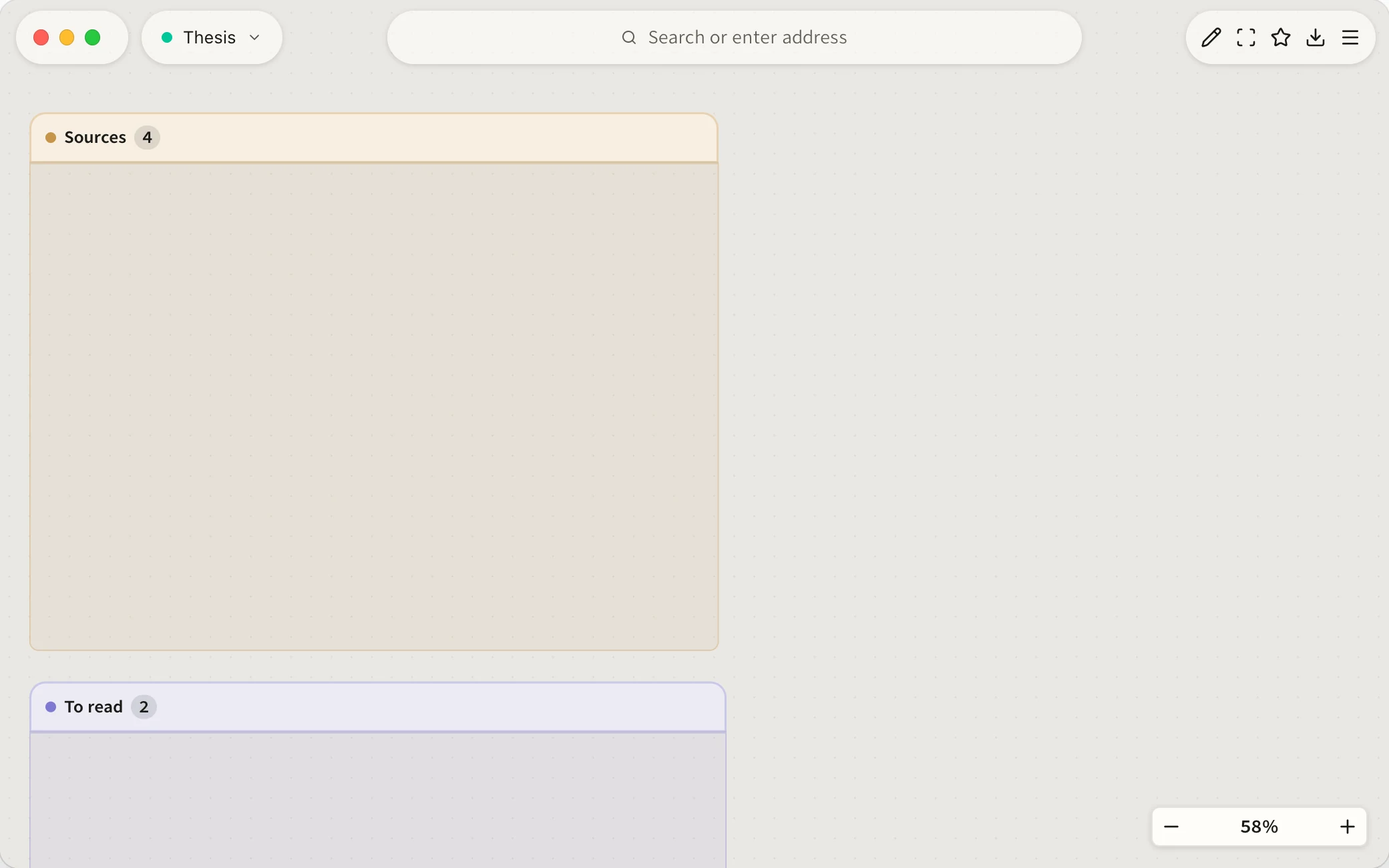
A workspace for every project.
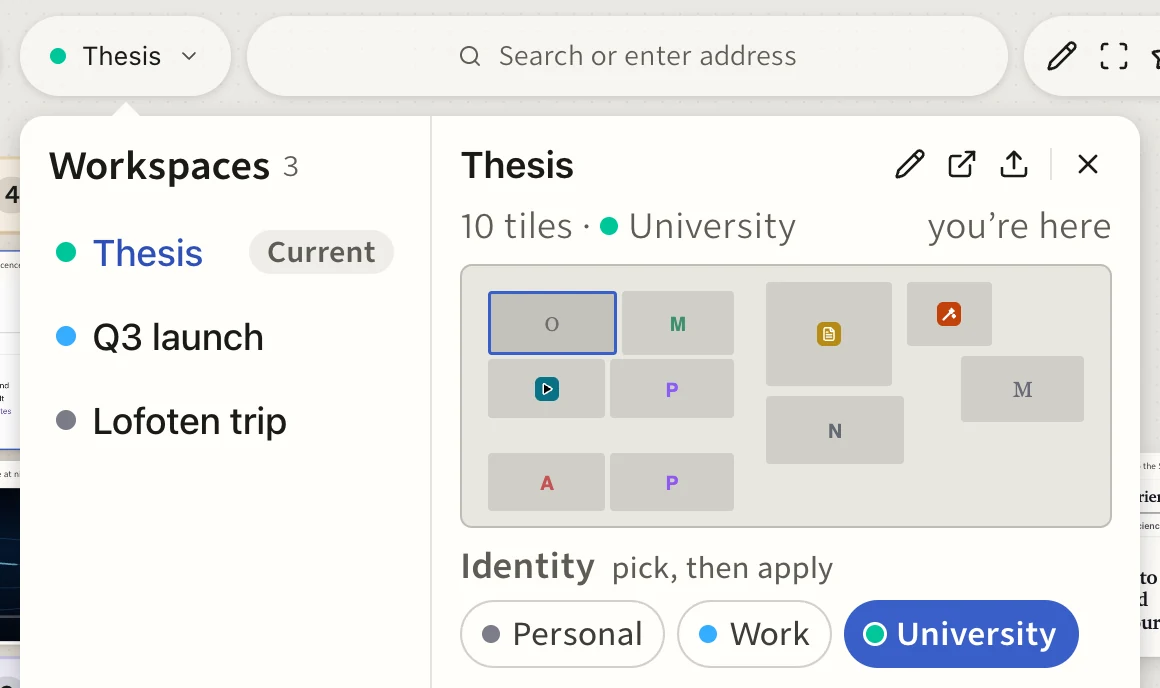
Separate workspaces keep your projects just the way you like them. Identities keep your university, work and personal accounts signed in separately, so you can share your accounts across multiple workspaces.
Workspaces and Identities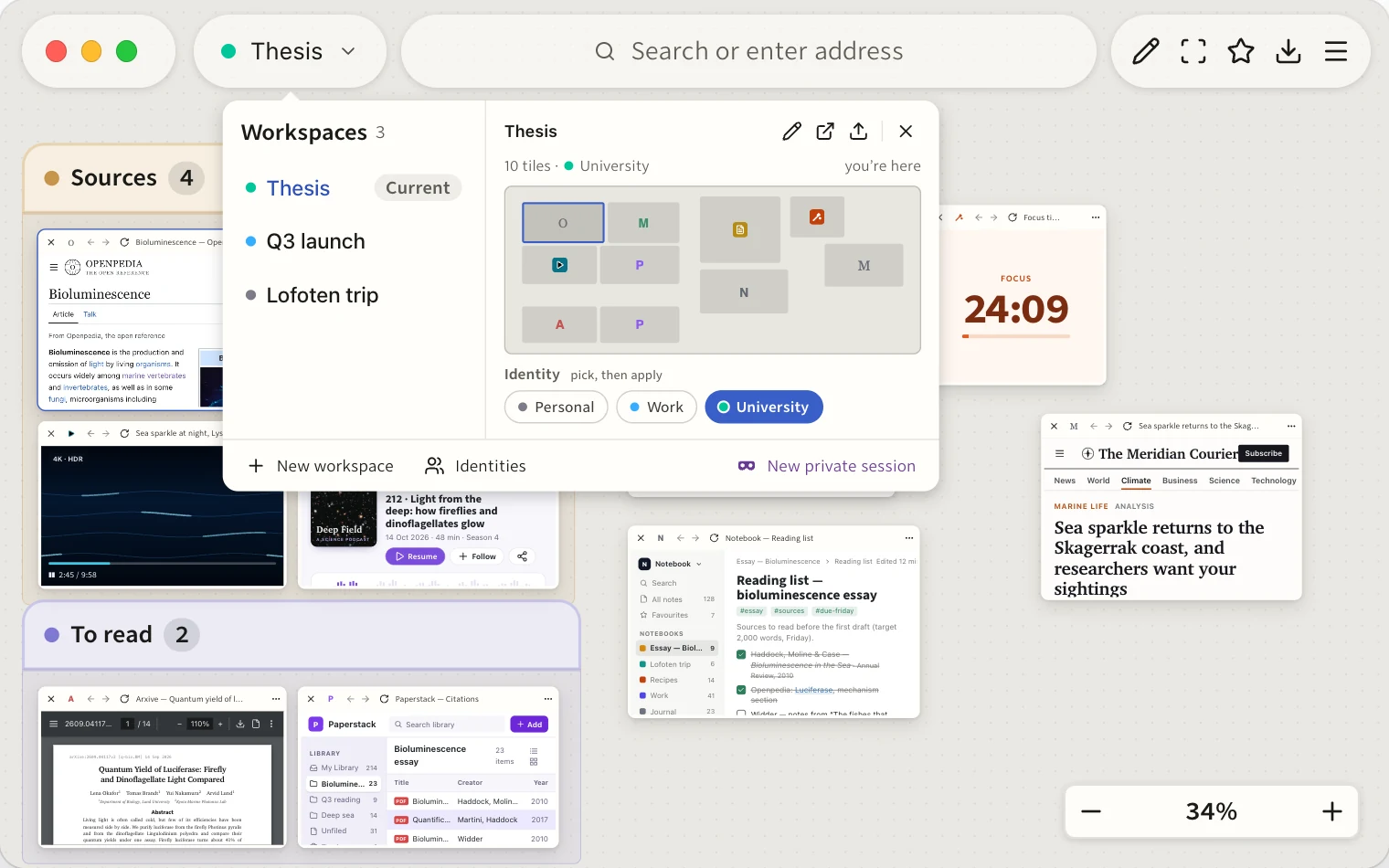
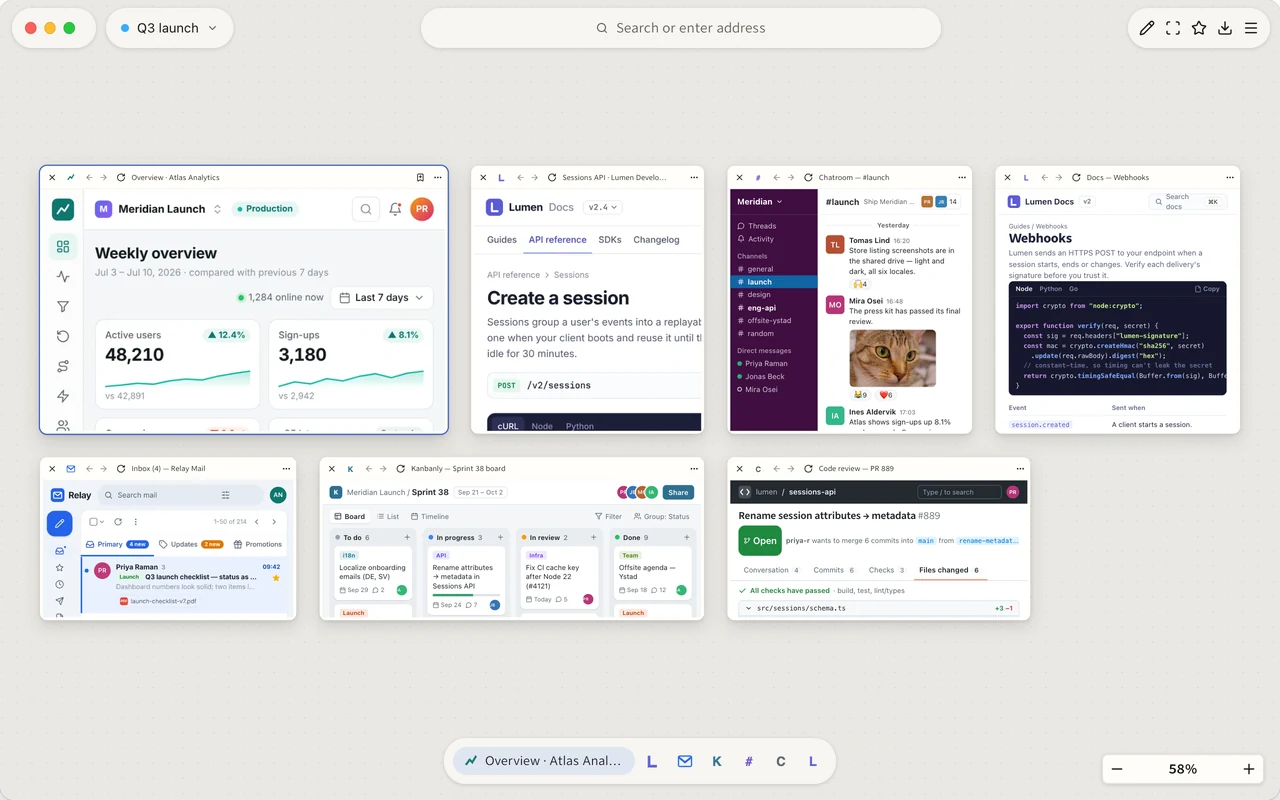
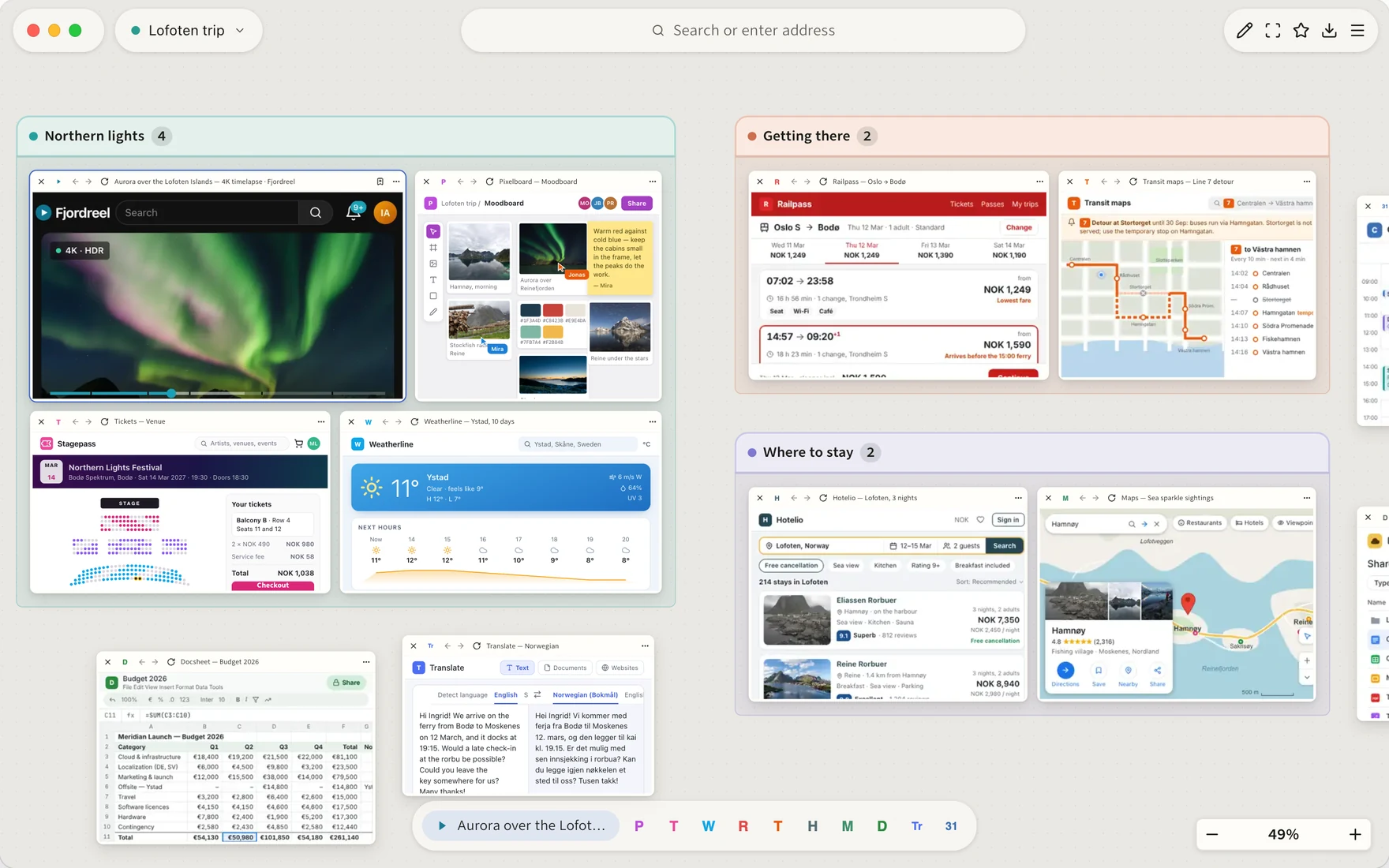
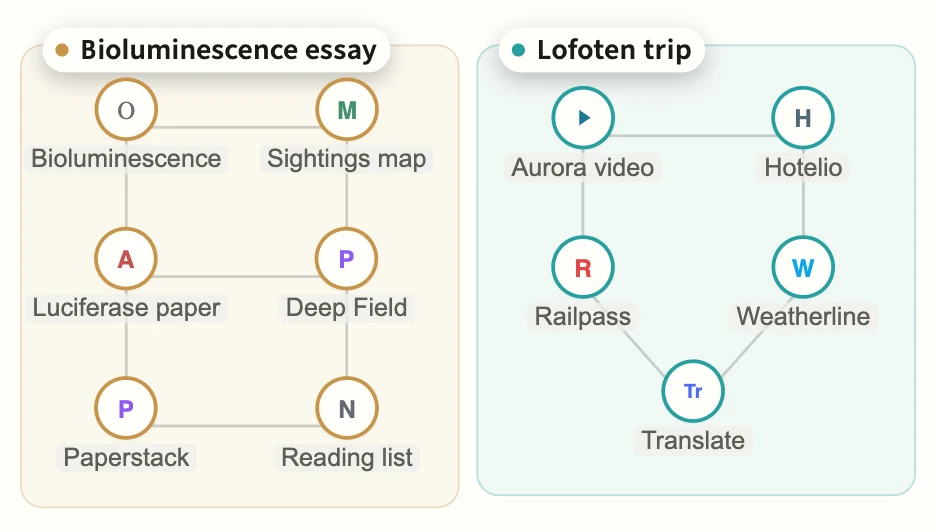
See what connects.
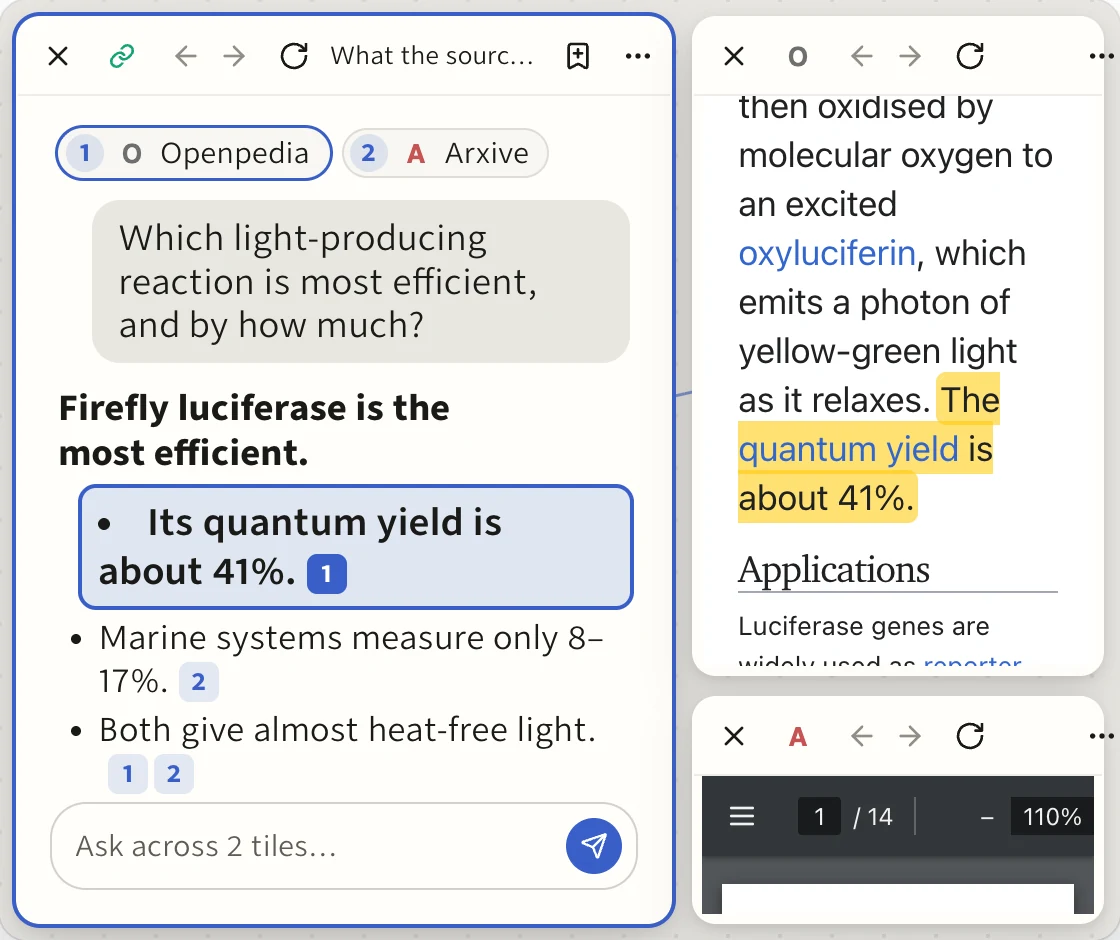
Improve your research, writing and any project that runs across many pages.
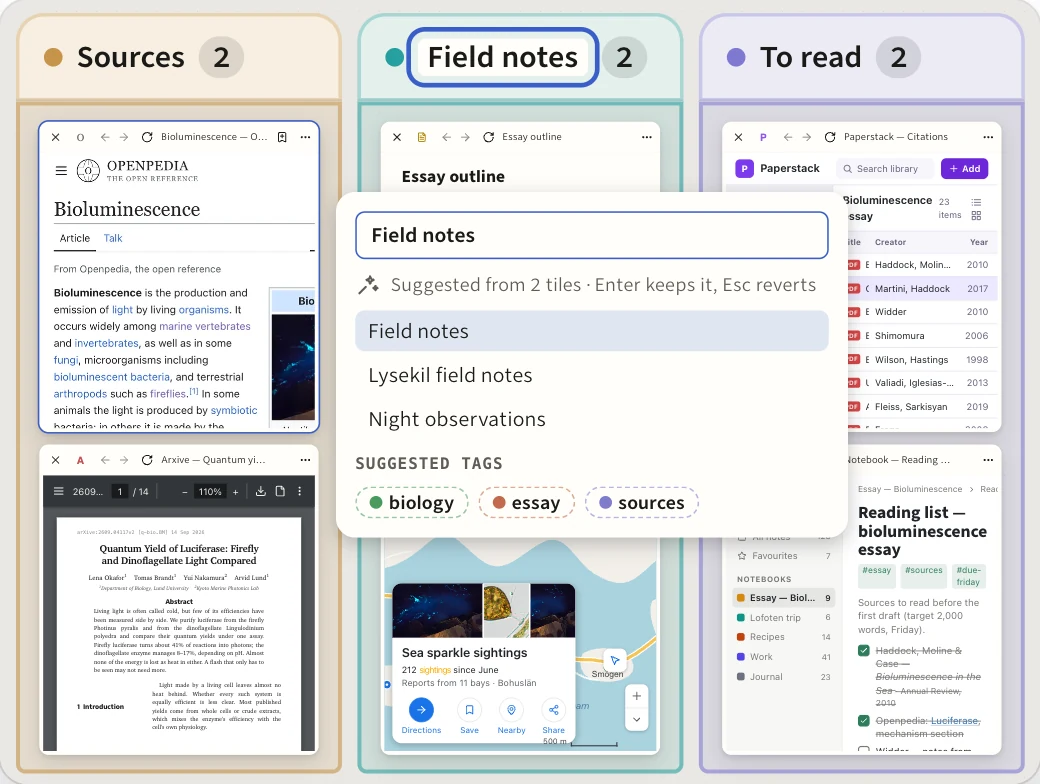
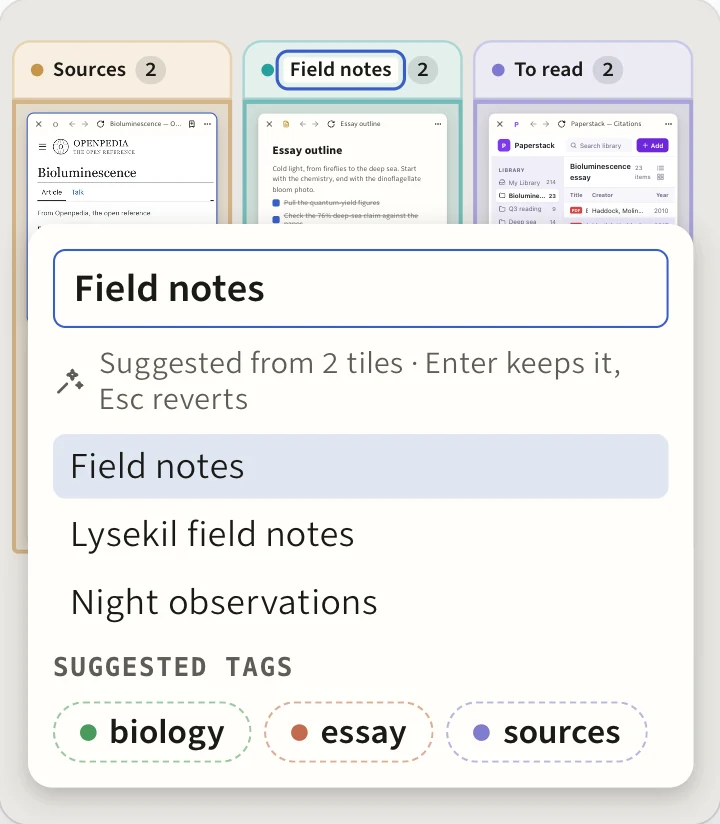
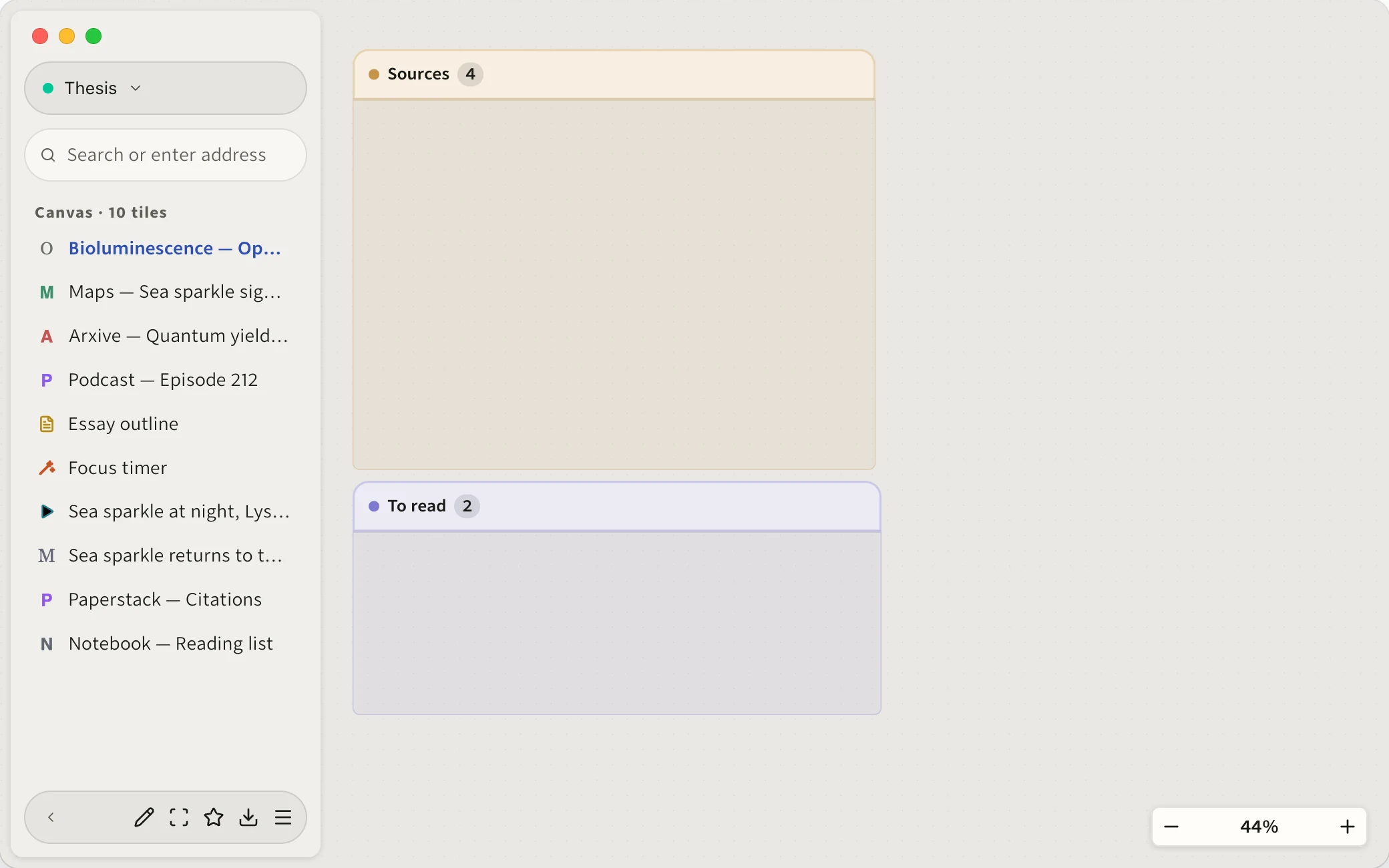
Zoom all the way out
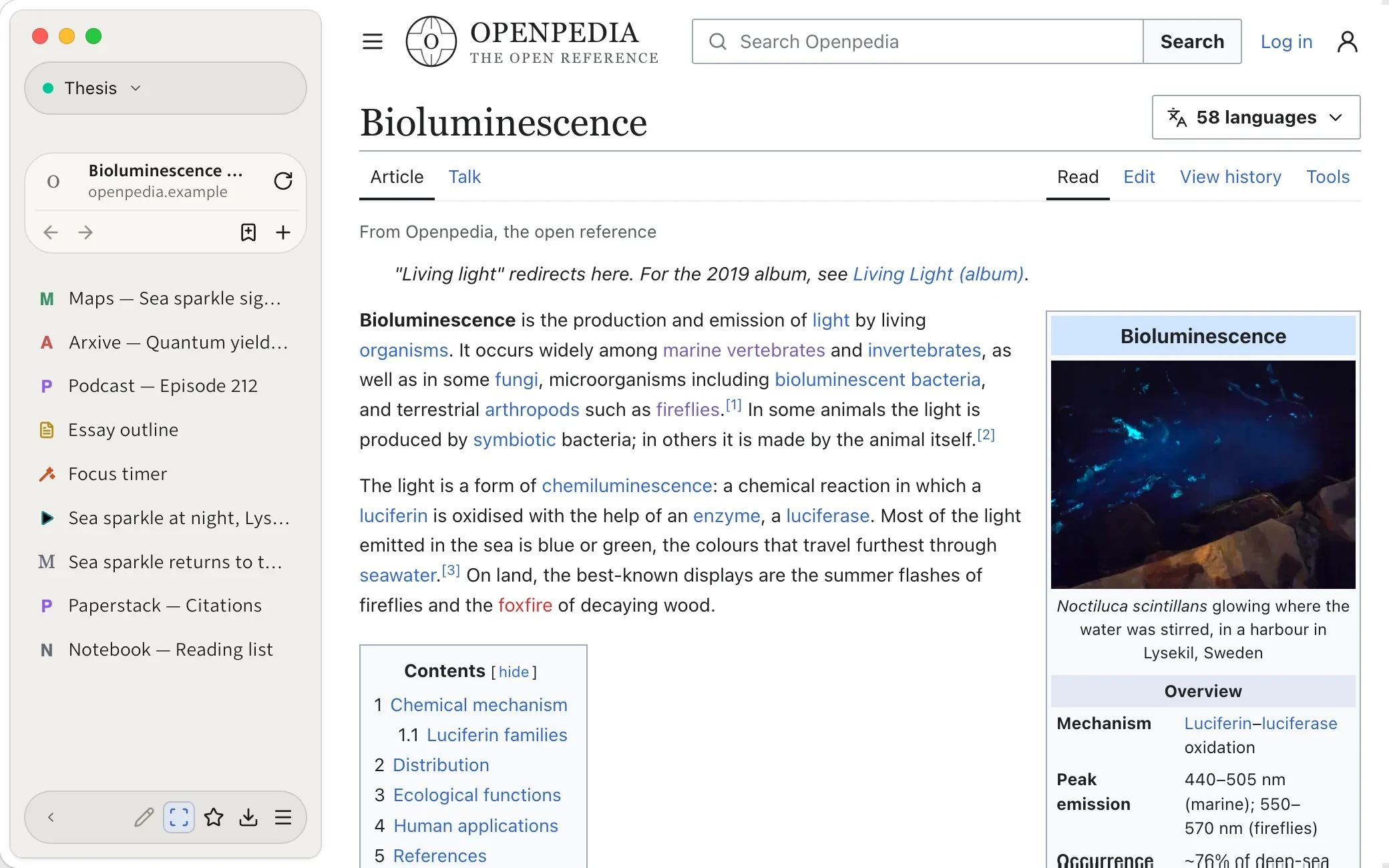
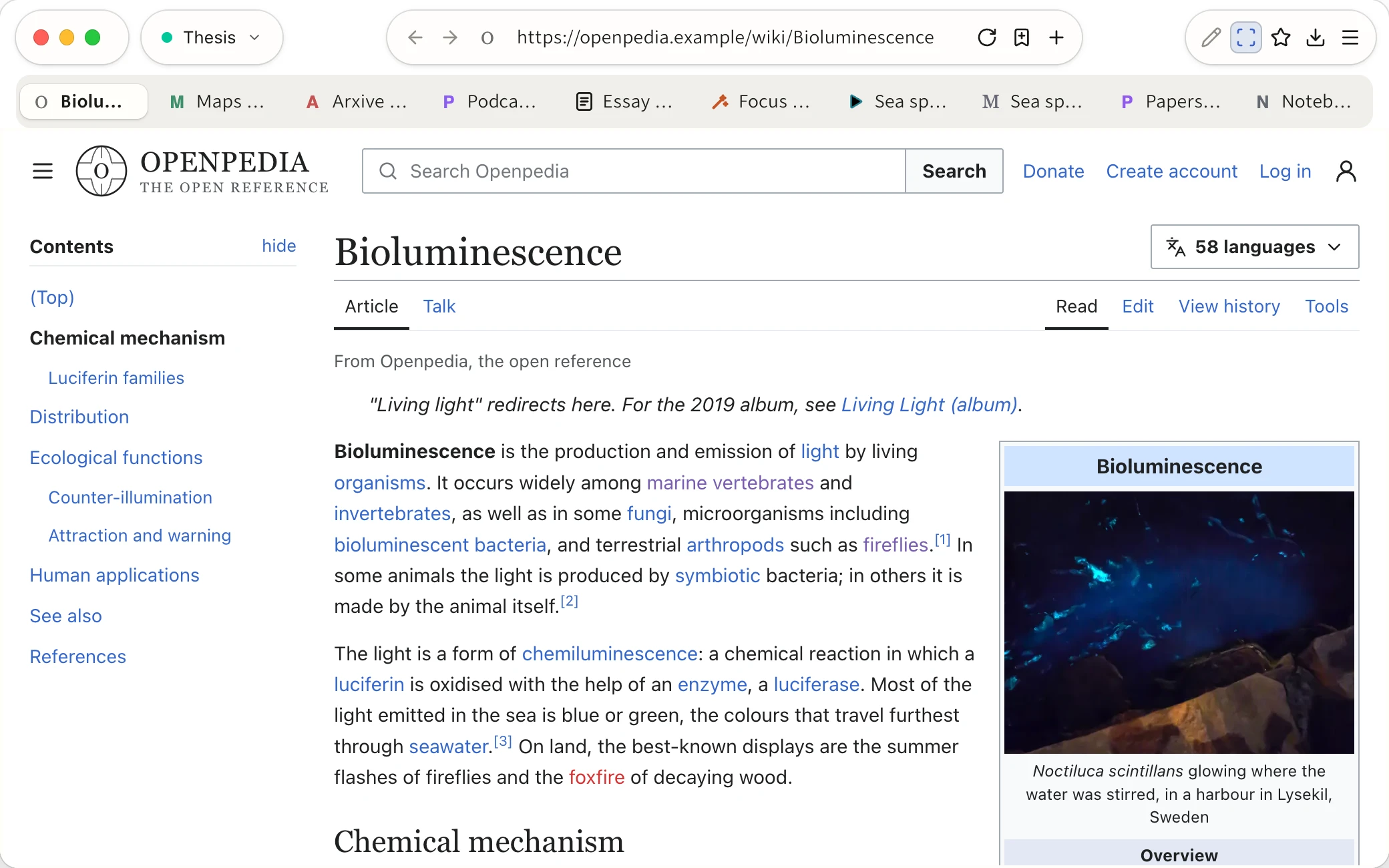
Research across your Workspace
Still a proper browser.
Hominis is built on Firefox, so the everyday parts are here from day one.
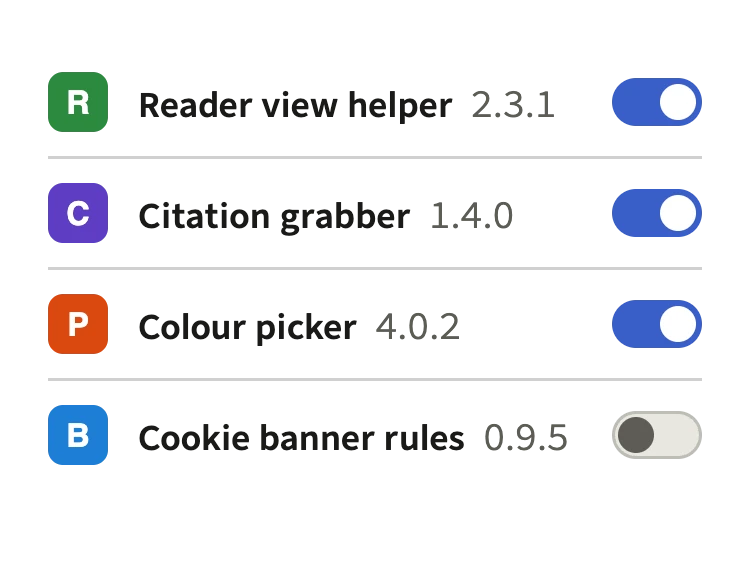
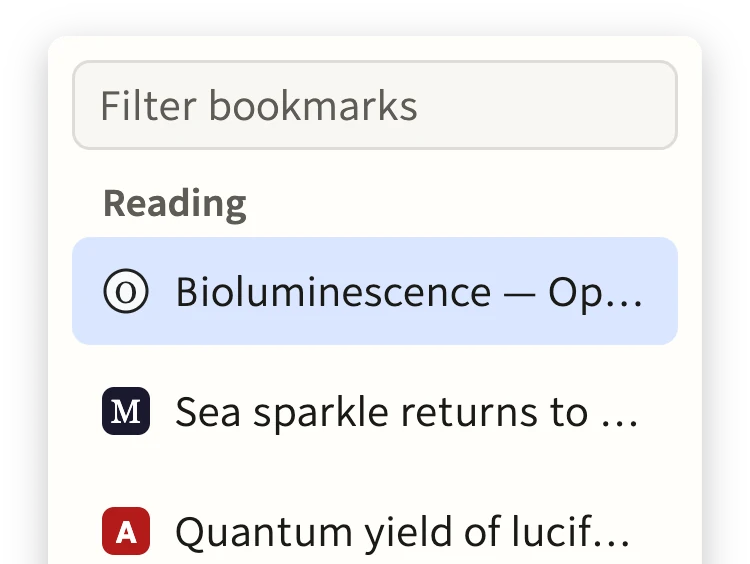
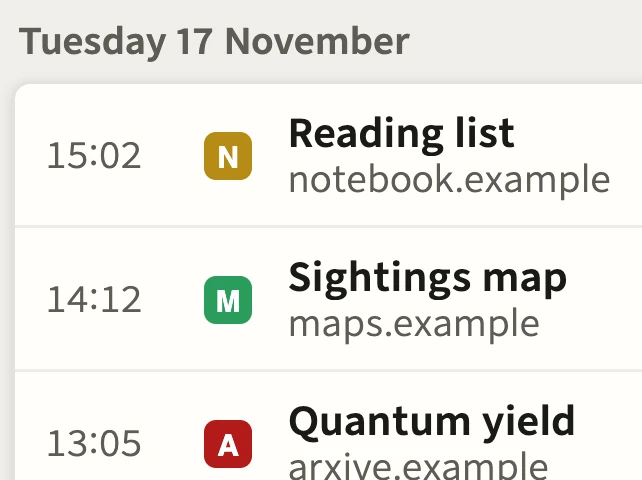
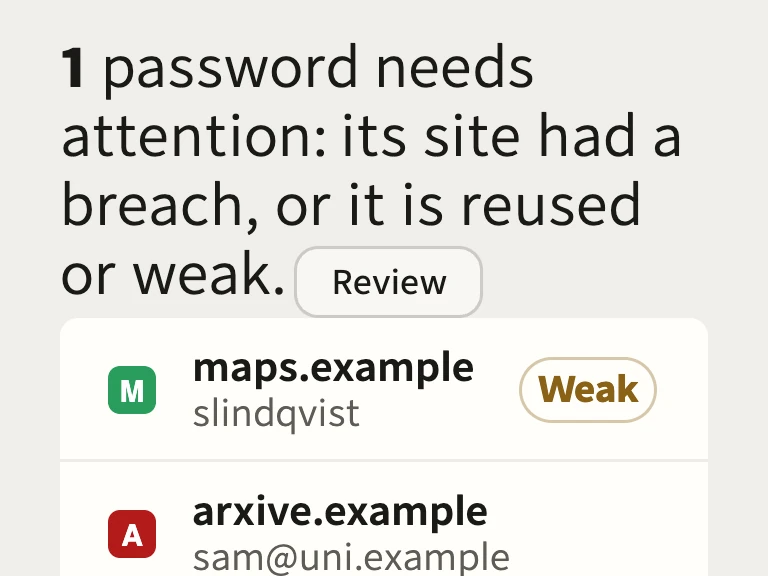
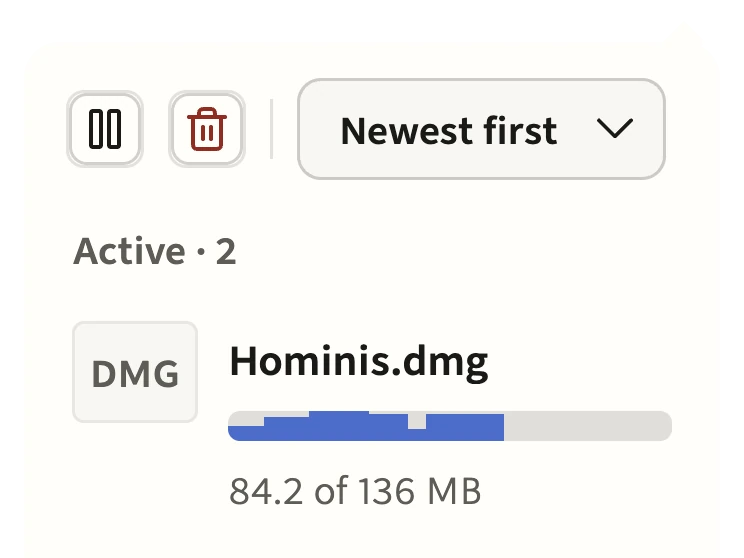
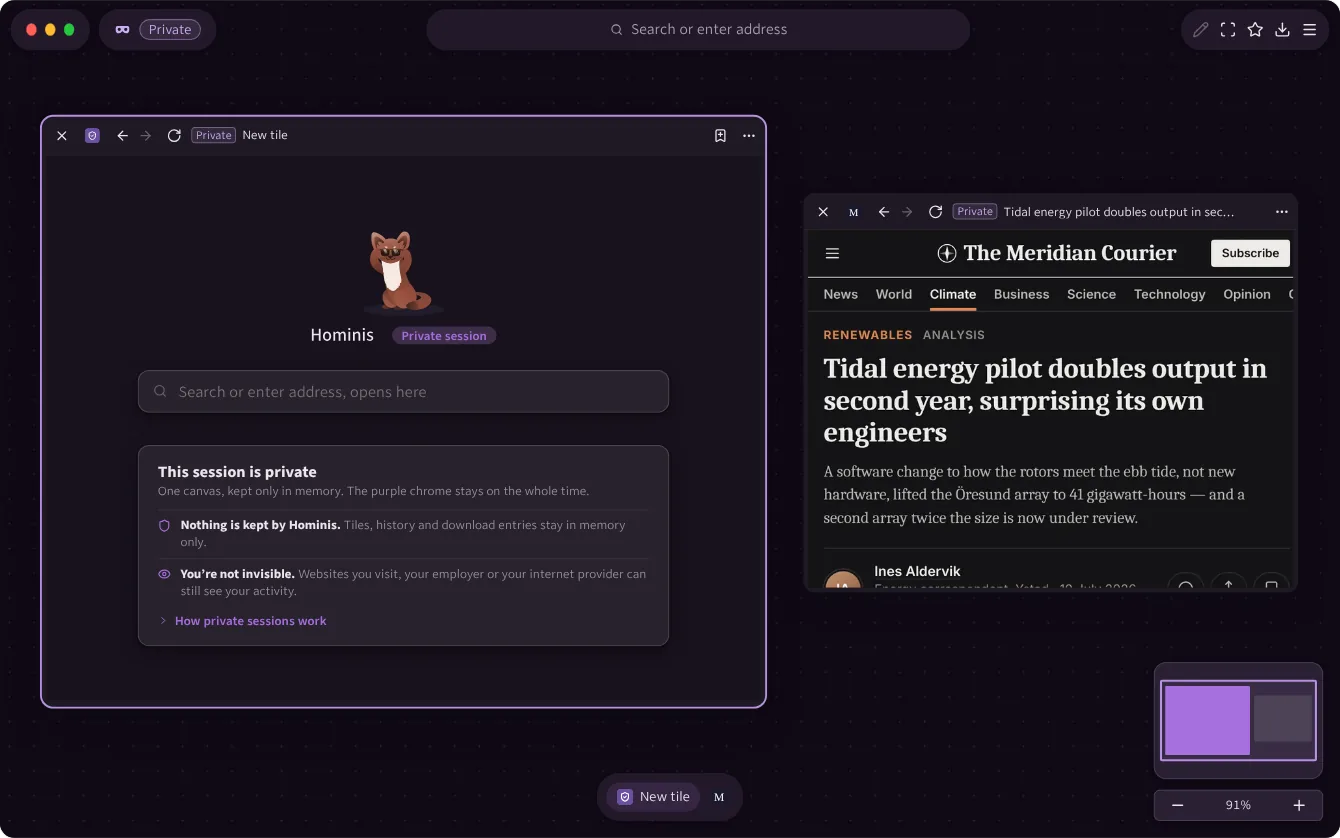
And even more on top: a command bar for everything, well thought out find in page, sketching across your canvas shortcuts and so much more...Everyday browser features
Fair questions.
- What if I stop using Hominis?
- Workspaces, notes, sketches, bookmarks and history export in open formats, in a single click.
- One developer. Will it be maintained?
- Hominis is built on Firefox ESR, updates carry Mozilla’s security fixes and even major version changes are quick to turn around. It is also open source under EUPL-1.2.
- Hominis is free. So what are the plans for?
- The browser is free to use and needs no account. Plans are only for Assistance, the Model features that also support development.
Give your tabs the room they deserve
- Free
- Open source
- Built on Firefox
For the moment, Hominis is paid for out of my own pocket. I built it because browsers stopped taking risks. Hominis intentionally is very different and some of the UX experiments tried will fail, while others turn out to be a real step forward. Either way, somebody has to try.
Topfi · Noduz e.U. · How Hominis was made