From a question to an answer.

One essay on why the sea glows at night, followed from the first page to the finished note. Scroll to play it.

    These four steps use Assistance, Hominis’s optional Model features. They run on models from Anthropic and TypeSafe. Each feature asks before it first sends anything, and Plans says what it costs. If that is not for you, go on to Keep.

Gather

Pages land as tiles, and you put them where they make sense.

1Collect
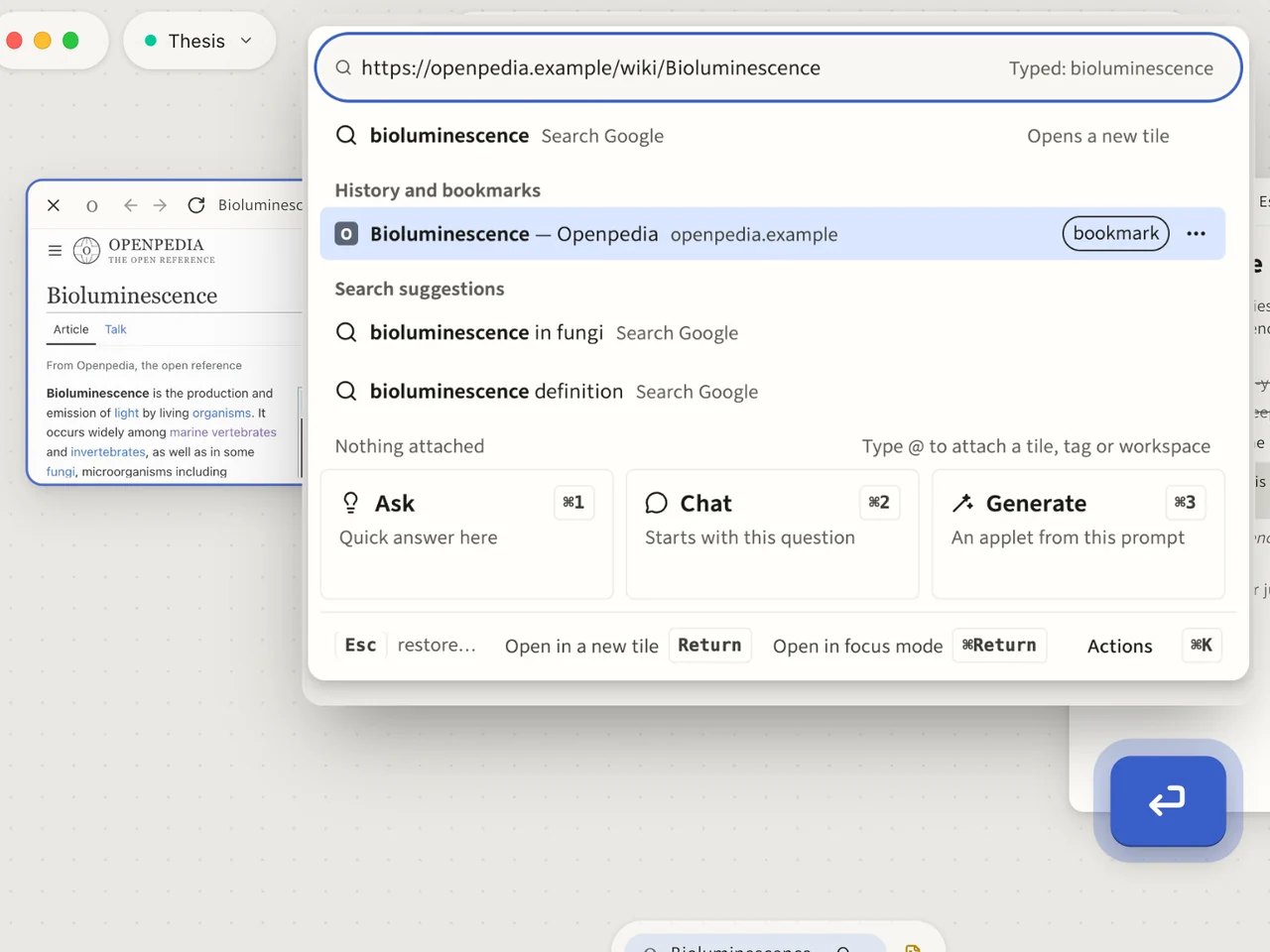
The canvas holds one note, the essay outline. “bioluminescence” is typed into the command bar and the first source opens as a tile beside it. Three more follow from the bar: luciferase, dinoflagellates, a video of sea sparkle. Each lands beside the last.The typed search, then the new tile landing beside the last one.
The typed search, then the new tile landing beside the last one.
Type an address or a search. Each page opens as a tile, next to where you are looking.The command bar

2Move around

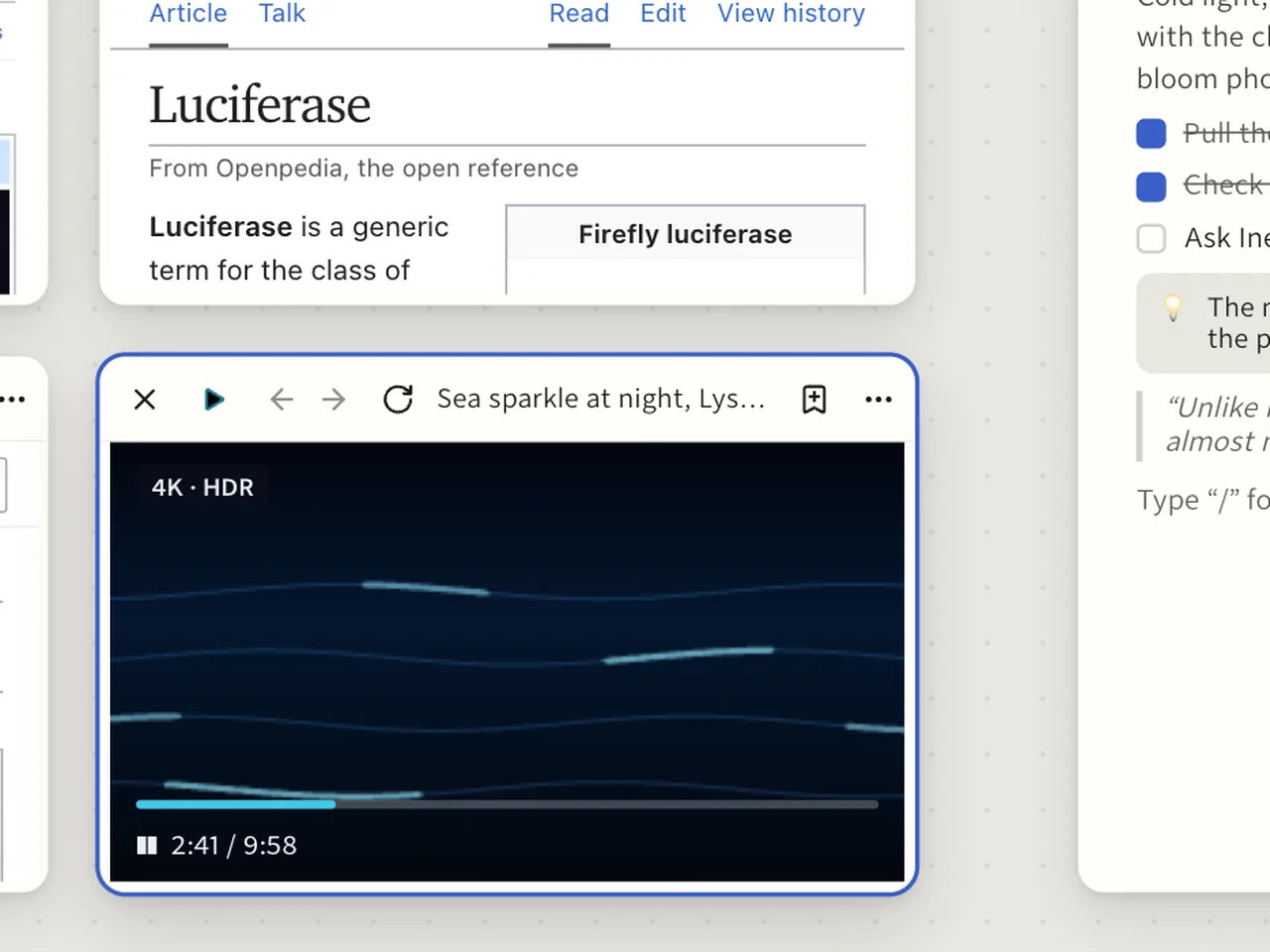
The view pans across the four sources and zooms in on the article on dinoflagellates. The sea-sparkle video keeps playing.The video tile, still playing as the view zooms in.
The video tile, still playing as the view zooms in.
Pan across your canvas and zoom in to read. Pages stay live as you move.Two fingers or the mouse wheel pan. A pinch zooms.The canvas

3Group them

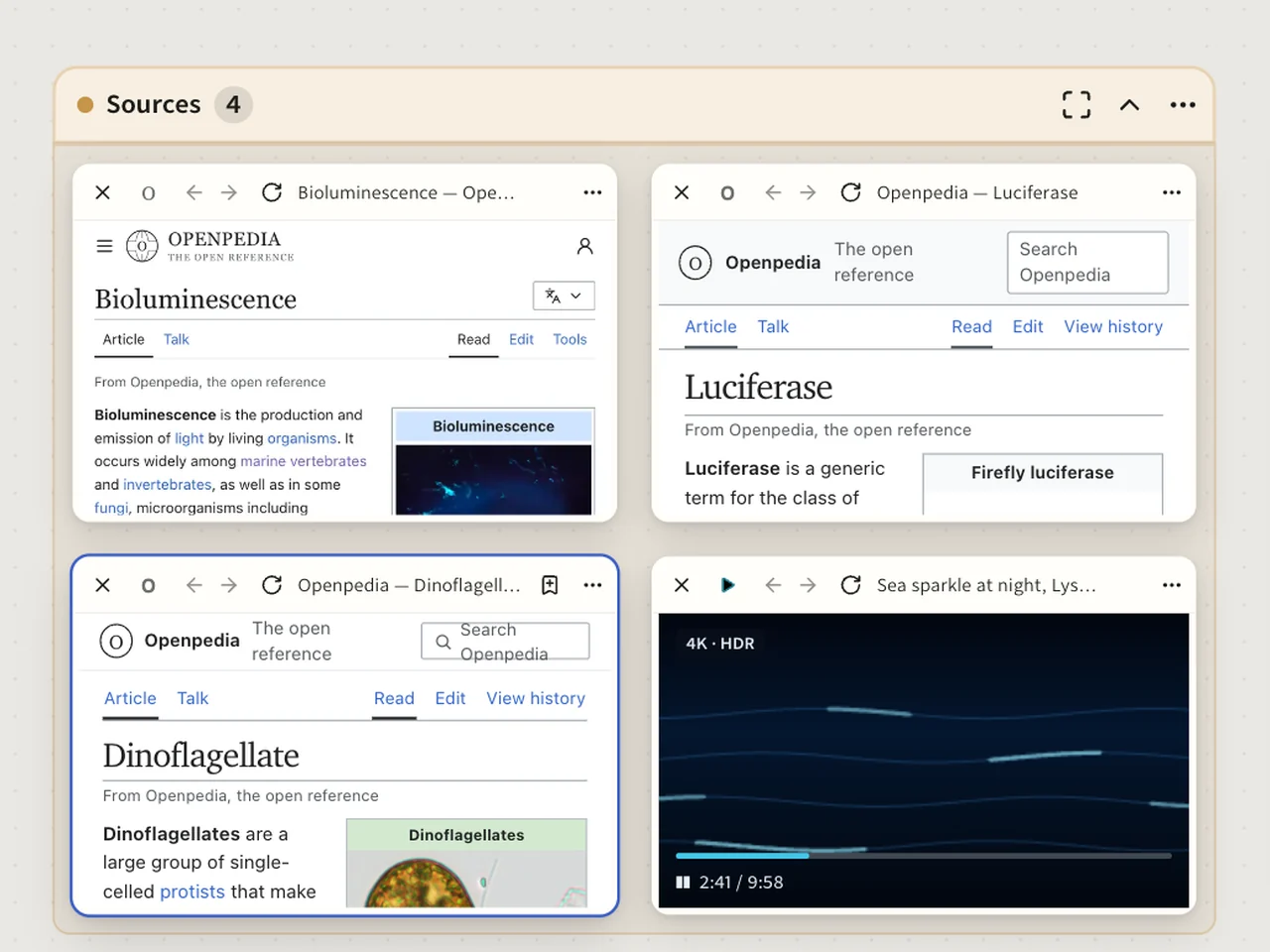
The four sources are framed and named Sources. The frame is dragged beside the essay outline.The frame closing round the four tiles, with the outline note beside it.
The frame closing round the four tiles, with the outline note beside it.
Frame the tiles that belong together and give the frame a name. Drag it, and they move as one.Groups, notes and sketches

4Step back

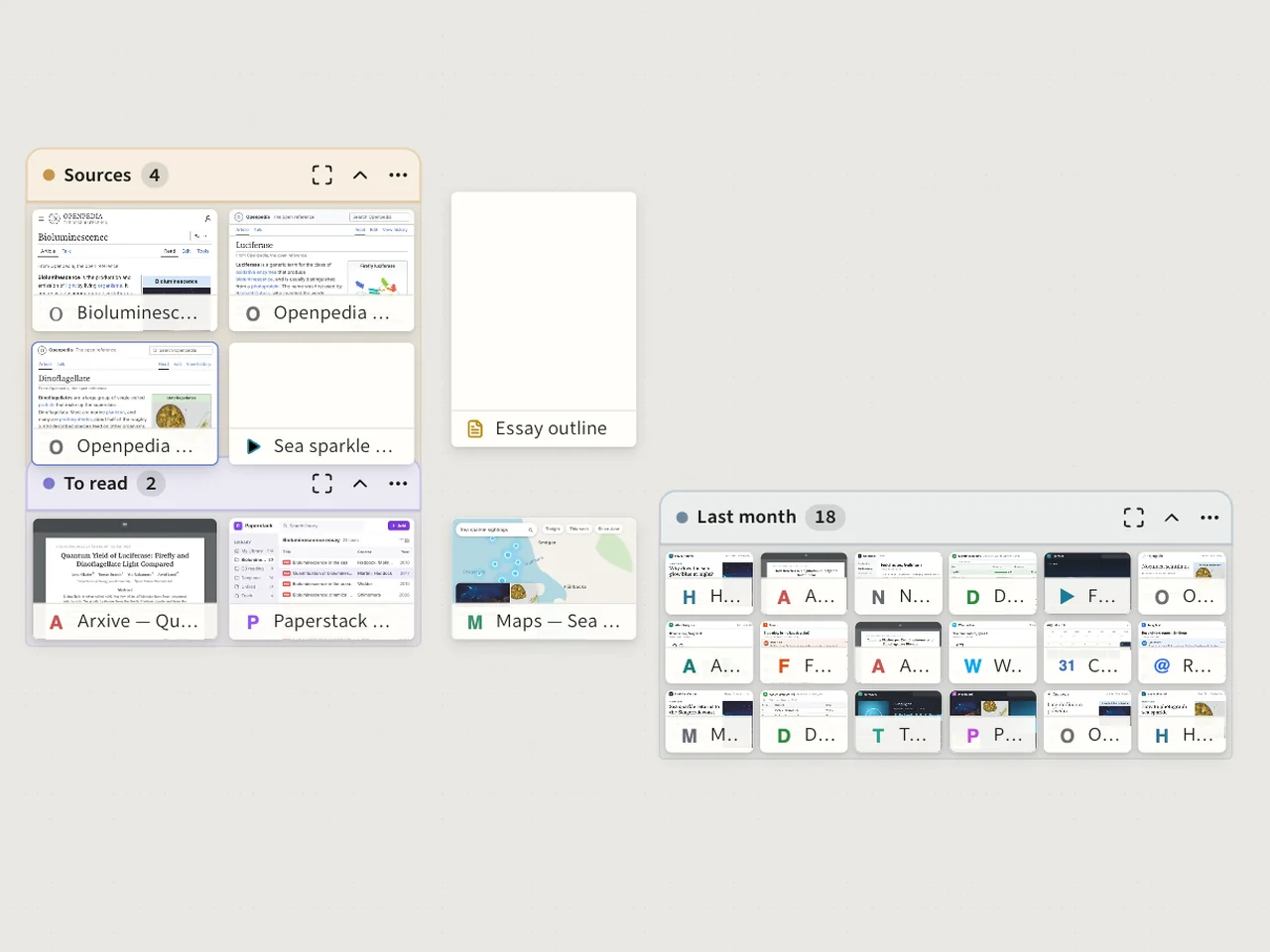
The view pulls back until the whole canvas shows: the four sources in their frame, among the rest of the project. Tiles become chips, then icons. Then it returns.The Sources group, its tiles turning into chips.
The Sources group, its tiles turning into chips.
Zoom out and tiles become title chips, then icons. A big canvas stays readable from far away.The canvas

Read

One page at a time, with the others as tabs.

5Read one closely
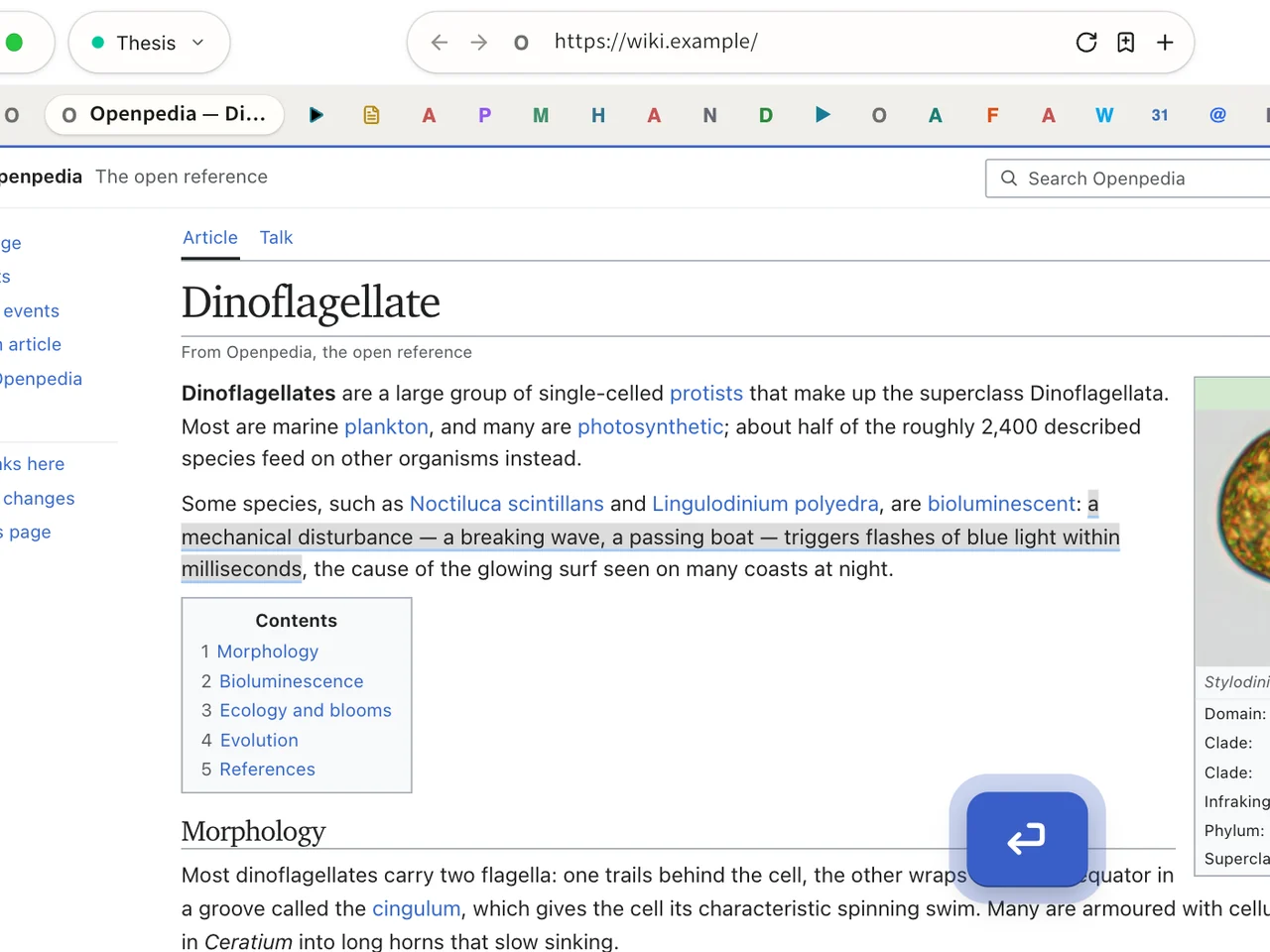
Return is pressed on the article on dinoflagellates. The canvas folds into tabs and the article fills the window. Then esc, and the canvas unfolds with every tile where it was.The tiles travelling up into the tab strip as the article fills the window.
The tiles travelling up into the tab strip as the article fills the window.
Press ⏎ Return on a tile and it fills the window, with the rest as tabs. esc takes you back, and nothing has moved.Focus mode

6Tabs where you like them

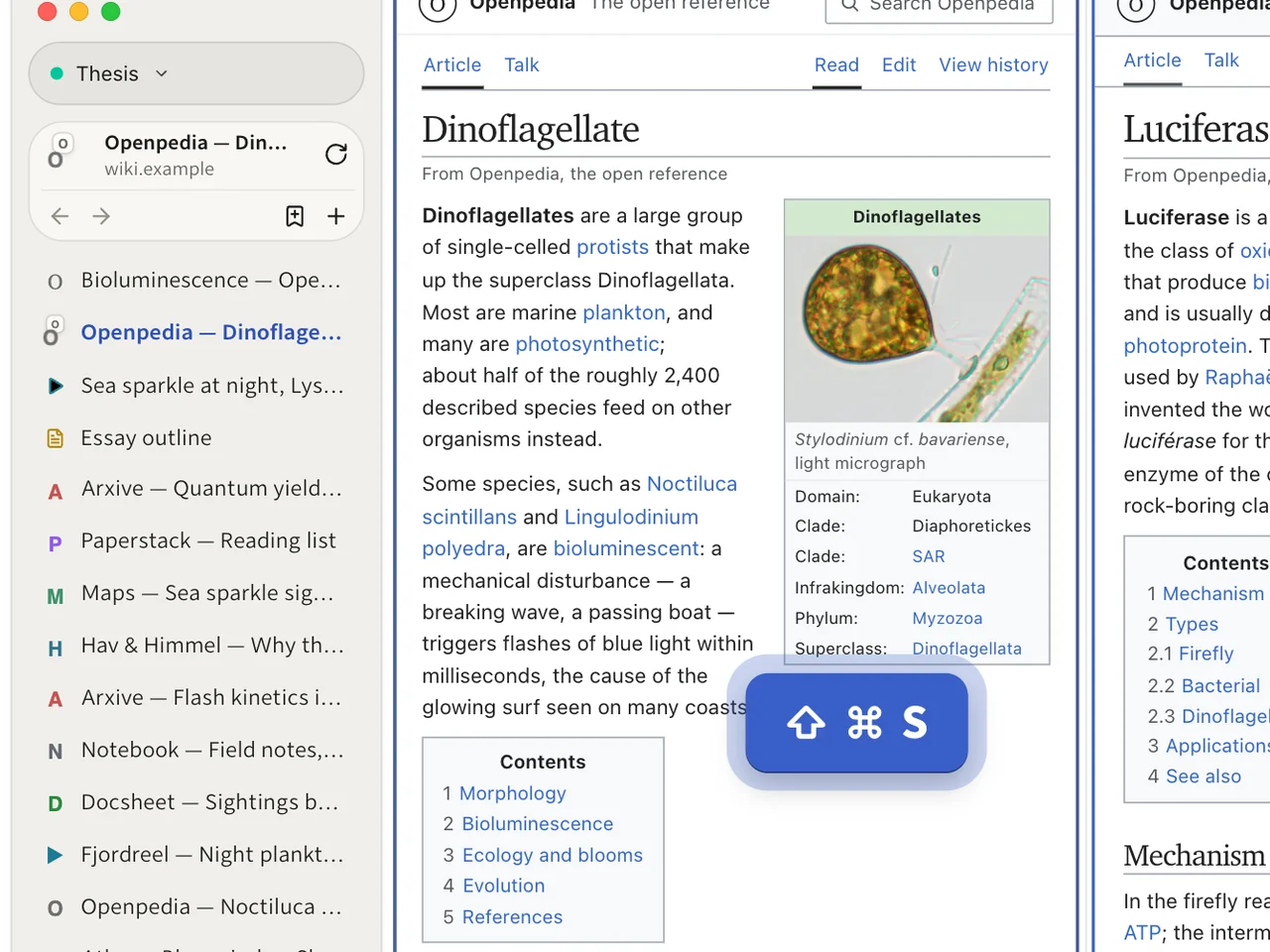
The tabs move from the top into a sidebar. Then the window splits: the article on dinoflagellates beside the one on luciferase.The tab strip moving to the side, then the two articles side by side.
The tab strip moving to the side, then the two articles side by side.
Your tabs sit along the top or down a sidebar, and two pages can share the window. That makes five ways in all: four layouts, plus split view.The four layouts and split view

Ask optional

One question, and Assistance works through your sources in steps. What it makes sits beside them.

These four steps use Assistance, Hominis’s optional Model features. They run on models from Anthropic and TypeSafe. Each feature asks before it first sends anything, and Plans says what it costs. If that is not for you, go on to Keep.

7Ask across them
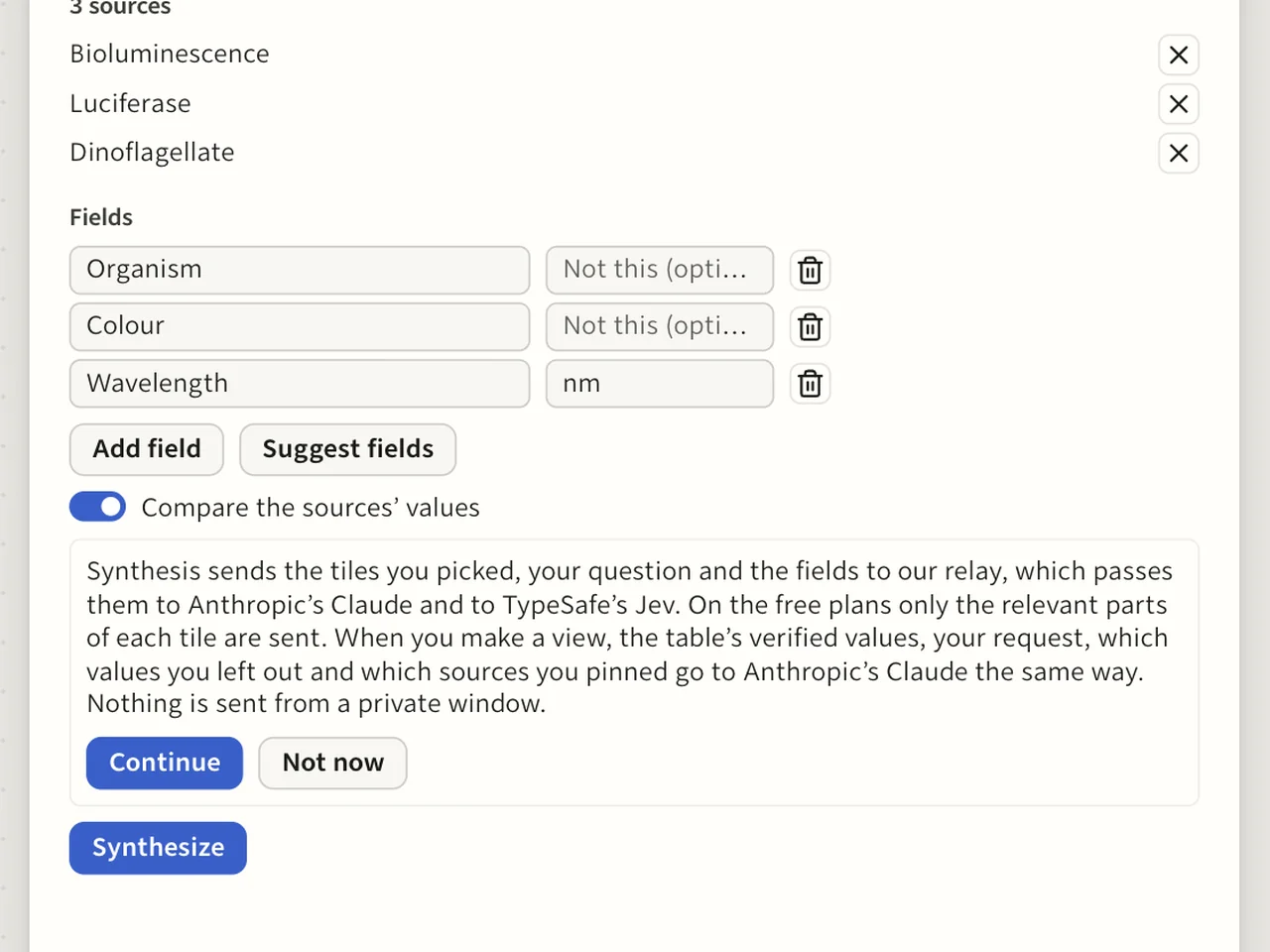
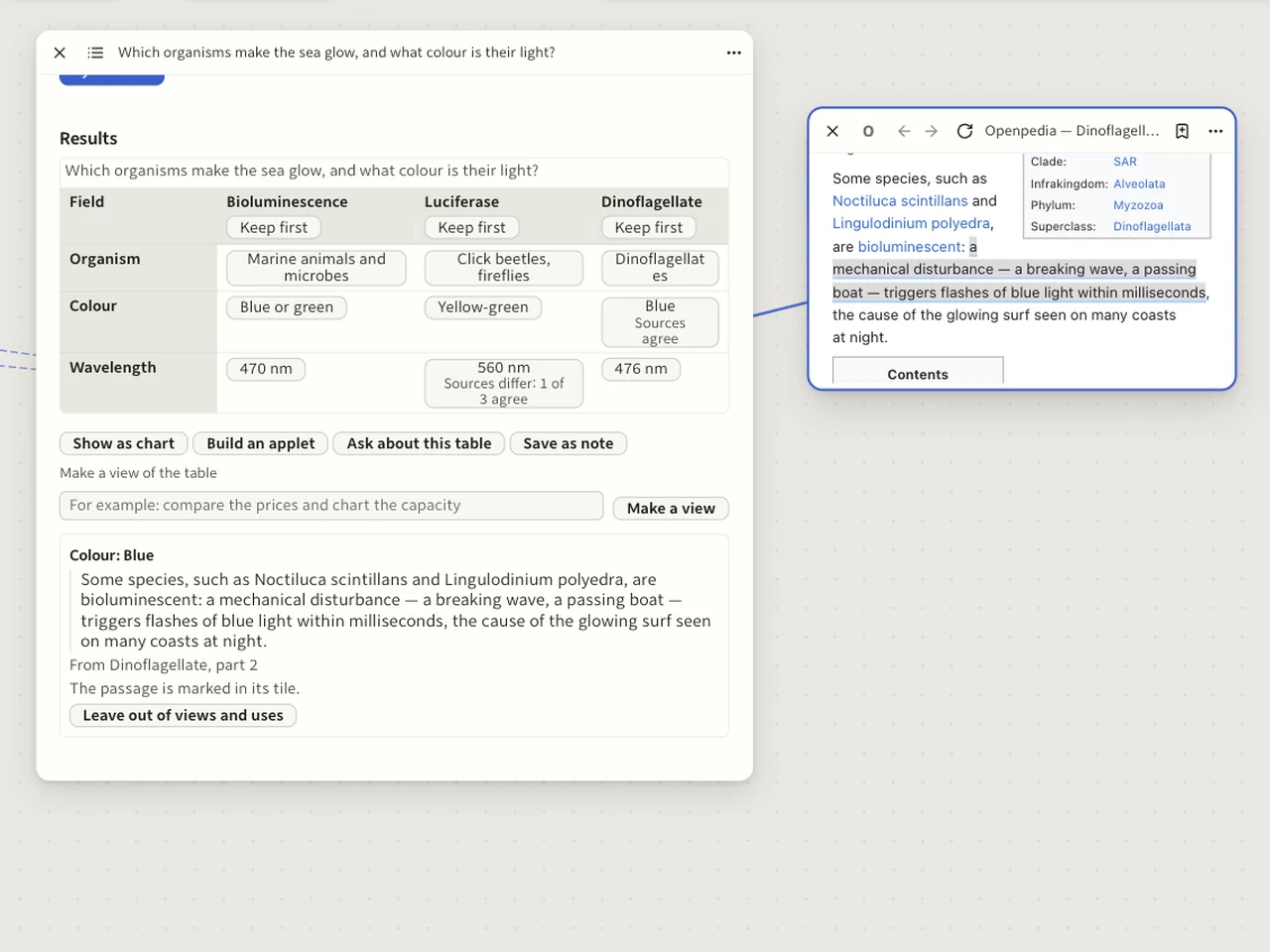
The three articles are selected, “Synthesize them…” is chosen in the command bar and the question is typed: “Which organisms make the sea glow, and what colour is their light?” A notice names where the pages will be sent, and Continue is pressed. Three fields are set: organism, colour and wavelength. Each source is read in turn, and the table lands with a line to each source.The notice with Continue and Not now, then the table and its lines to the sources.
The notice with Continue and Not now, then the table and its lines to the sources.
Select your sources and ask one question. The first time, Assistance says where your pages will go and waits for your yes. Then it reads each source and lays out a table of claims.Synthesis

8Check a claim

A claim about the colour of the light is clicked. It shows its quote and the mark “Sources agree”. The view flies to the article on dinoflagellates and the passage is marked on the page.The claim with its quote, then the marked passage on the page.
The claim with its quote, then the marked passage on the page.
Each claim carries its quote, checked word for word against its page, and says whether your sources agree. Click one and the view flies to the passage.Working across pages

9See it as a chart

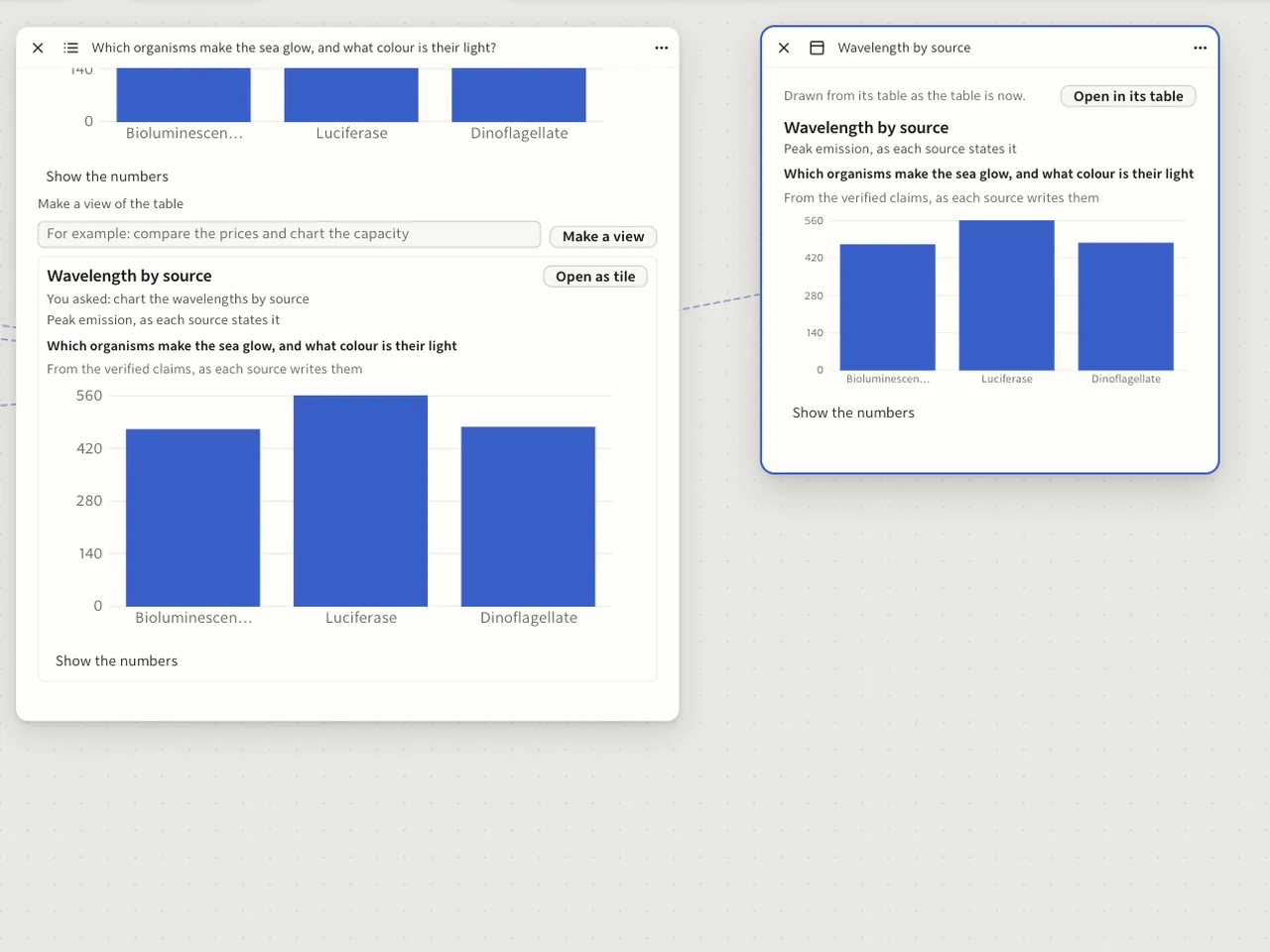
The table’s wavelengths are turned into a chart tile next to it, one bar for each organism. A line joins the two.The chart tile and the line back to its table.
The chart tile and the line back to its table.
The table becomes a chart, and the chart is a tile like any other, beside what it was drawn from.Views as tiles

10Build the tool you need

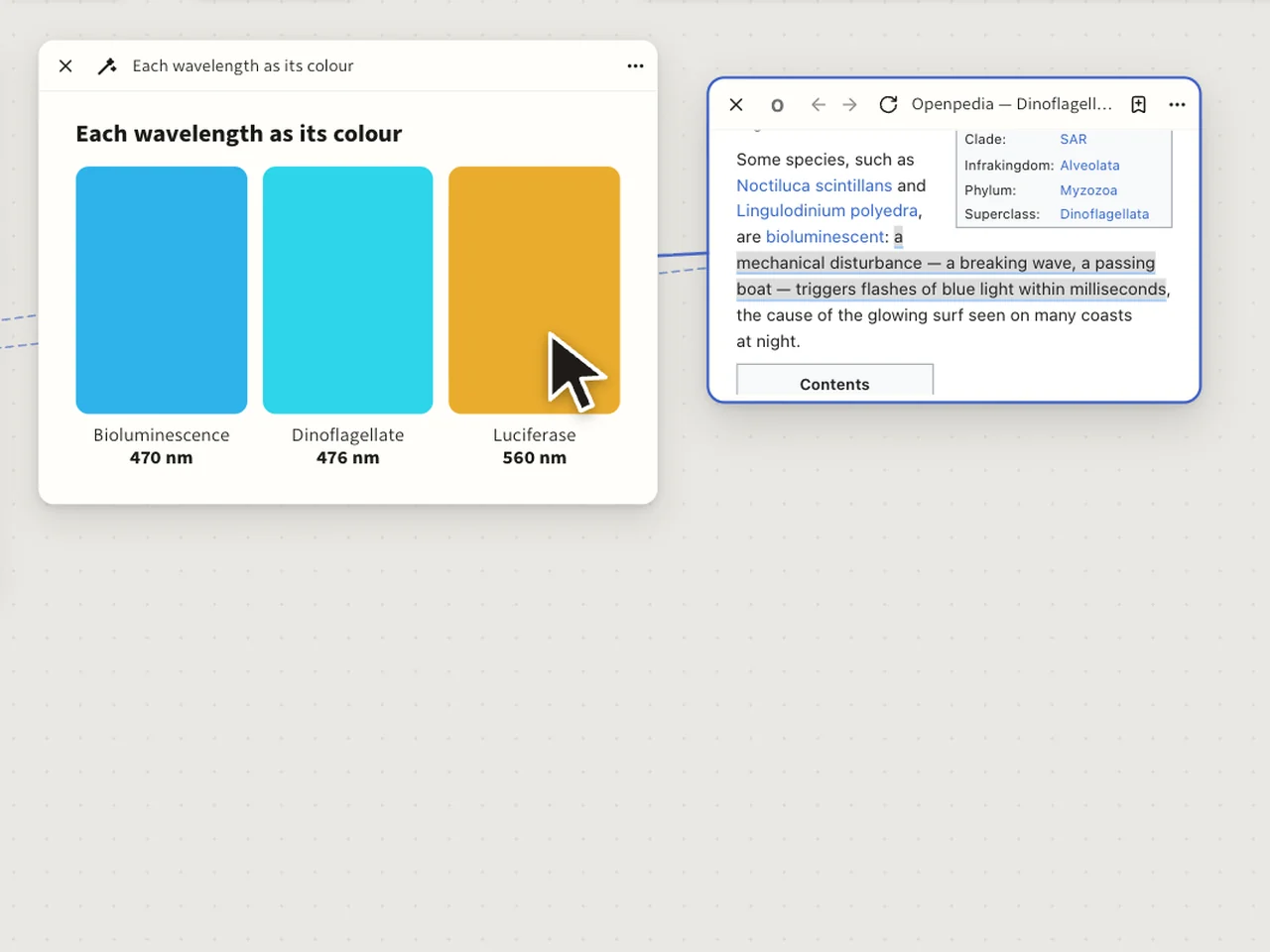
One sentence asks for a tool that shows each wavelength as its colour. An applet tile draws itself beside the table. A figure in it is clicked and the view flies to its source.The applet tile drawing itself, then the jump from one of its figures to the source.
The applet tile drawing itself, then the jump from one of its figures to the source.
Ask for a small tool built on the table and it appears as a tile. Its figures still lead back to their sources.Applets

Keep

What you made stays where you put it.

11Keep the answer
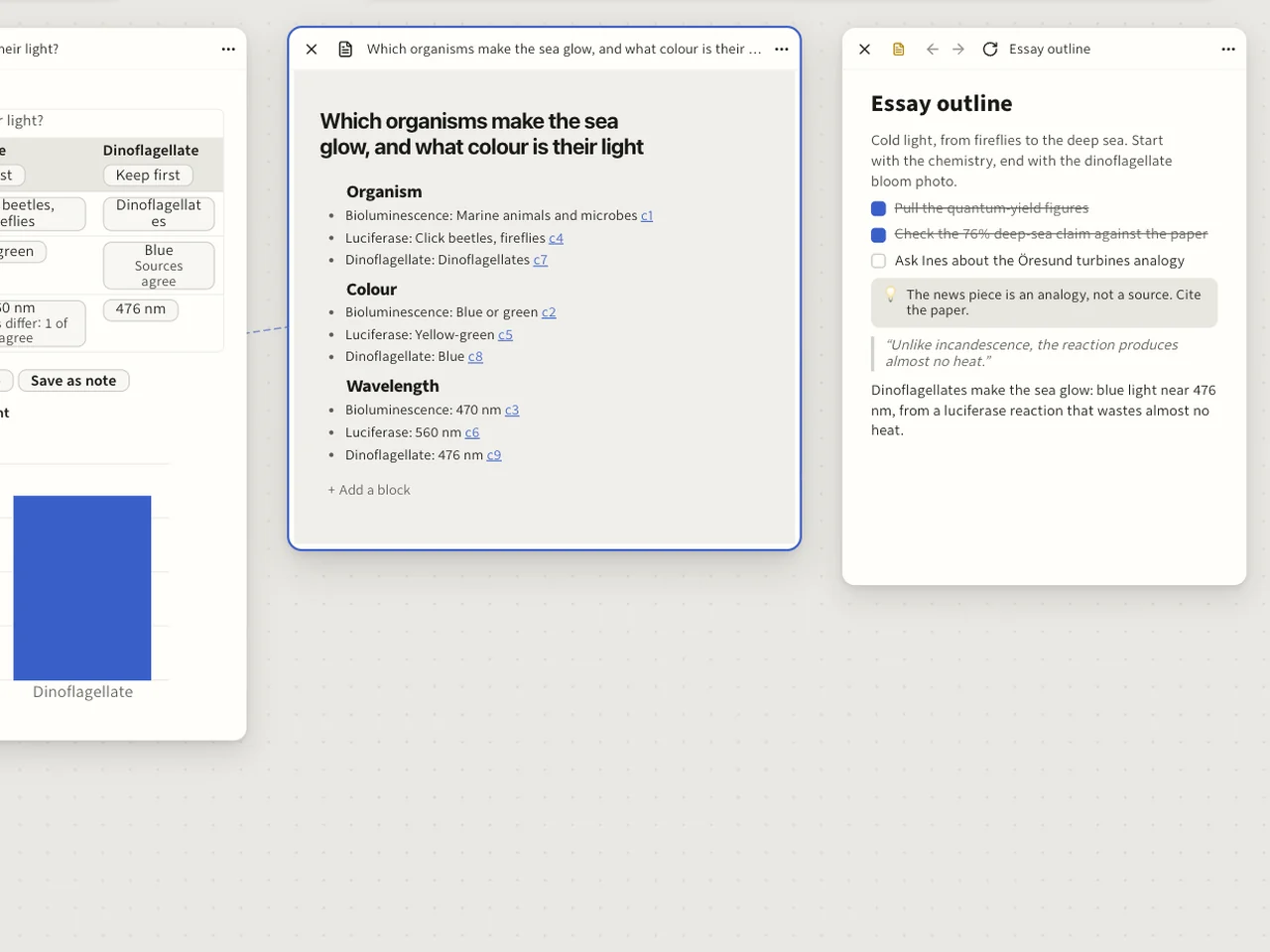
The paragraph that answers the question is written into the essay outline. A second note is made from the table, and a line joins it to the table.The two notes, and the line from the second to its table.
The two notes, and the line from the second to its table.
Keep your conclusion as a note beside your sources. Write it yourself, or make a note from the table, which a line then joins to it.Notes and sketches

12Come back tomorrow

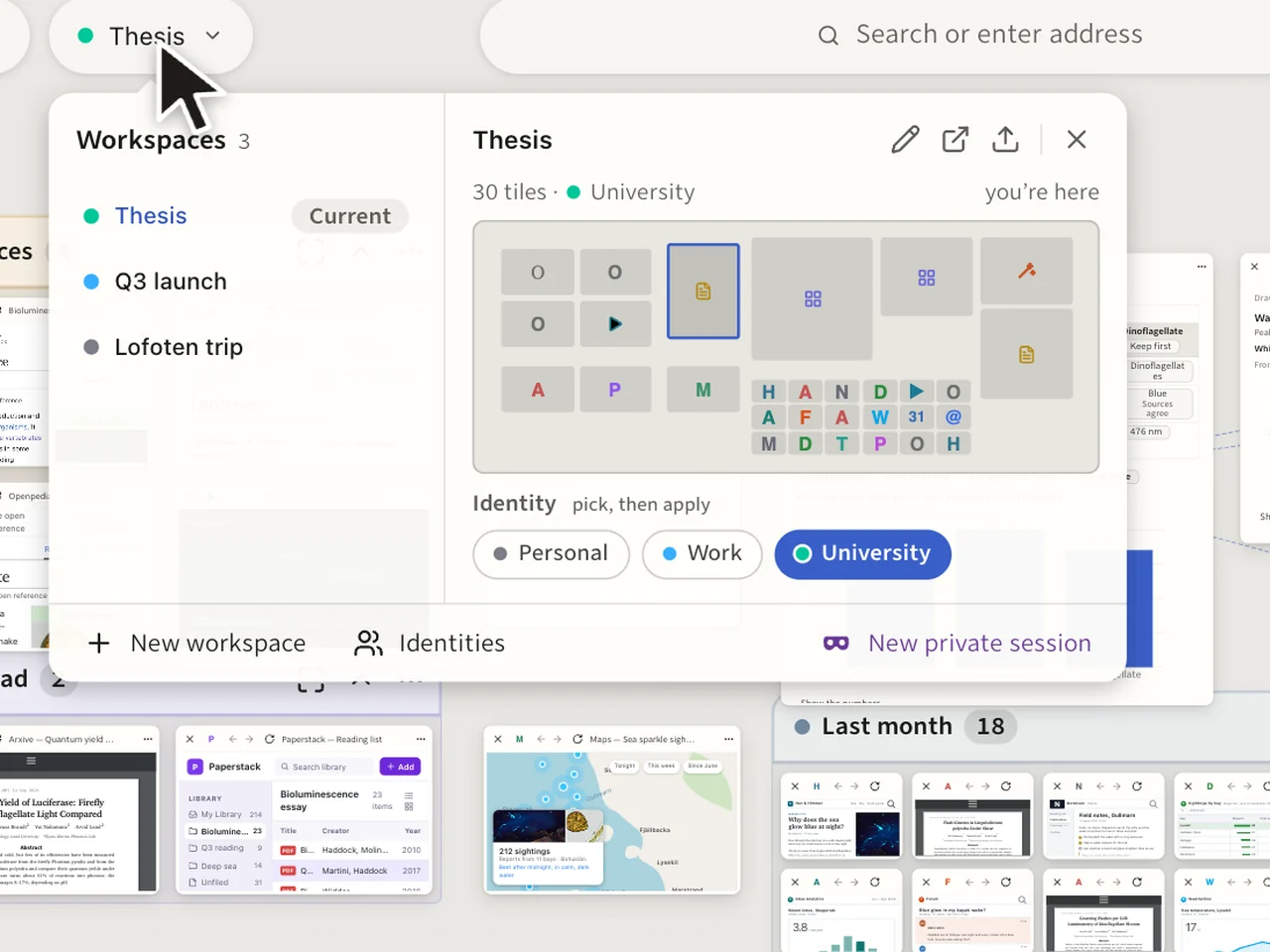
The window closes and reopens on the same canvas, every tile, note and chart in its place. Then the switcher opens on two more workspaces, a launch and a trip.The canvas as it was left, then the switcher with its three workspaces.
The canvas as it was left, then the switcher with its three workspaces.
Quit. Every tile, note and chart is where you left it, and your other projects have canvases of their own.Workspaces and identities

That’s one project.

Yours will look different. The canvas is as big as it needs to be.

  • Free
  • Open source
  • Built on Firefox