Features
Everything Hominis does.
A canvas for your tabs.
Every website is a live tile. Placement, size, grouping, you have full control.
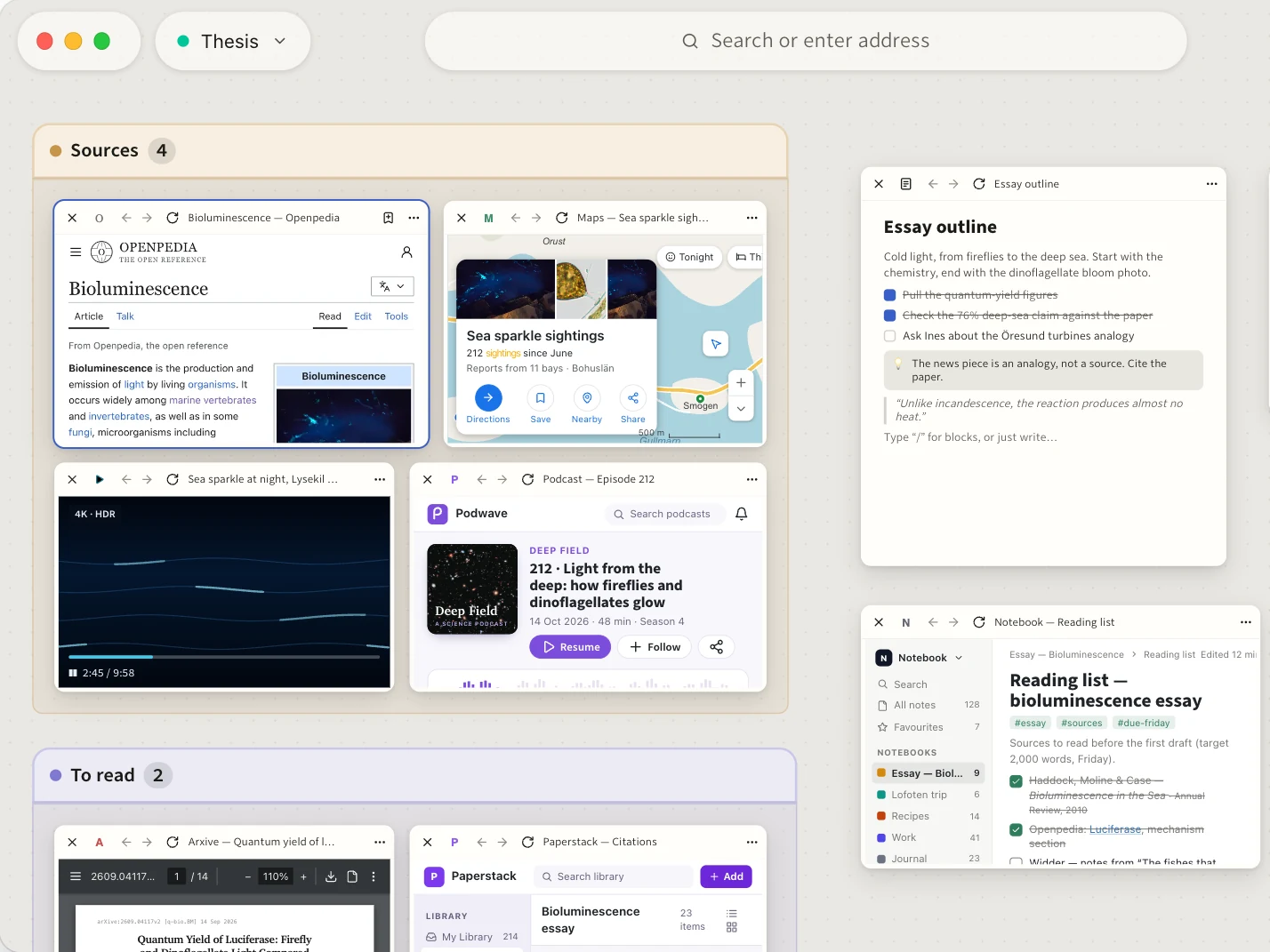
- Place and sizeFreely position and resize tiles as needed.
- Select severalShift-click tiles or drag a box to drag them around.
- GroupsGroup tiles that belong together, name and colour them as you like.
- Tags and threadsTag tiles and see what is connected.
- Notes and sketchesTake notes and draw straight on the canvas.
- Far outTiles become progressively smaller, till they turn into favicons and titles.
- Your webZoom all the way out for a graph view of your workspace. See your tiles and their relationships.
- Files as tilesOpen a text file, a PDF or a picture as a tile.
Focus mode: the familiar tabs.
Press ⏎ Return to focus on a tile and use a familiar tabbing interface. esc brings the canvas back, with every tile where you left it.
- Horizontal or VerticalWherever you prefer your tabs, you get to choose.
- RegularThe old reliable, just an input bar and tabs below it.
- FlankingA center command bar, flanked by tabs. Consistent click targets, less wasted space.
- DynamicHold Option and switch tabs a dial round your cursor.
- No distractionsHide all UI elements. Only you, the page and your shortcuts.
- Split viewTwo tiles side by side. For when you want to multitask a little bit.
- SwitcherControl+Tab to get an overview.
A Space for every Project.
Each workspace stores your tiles and their position independently. Great if you work on several projects at once.
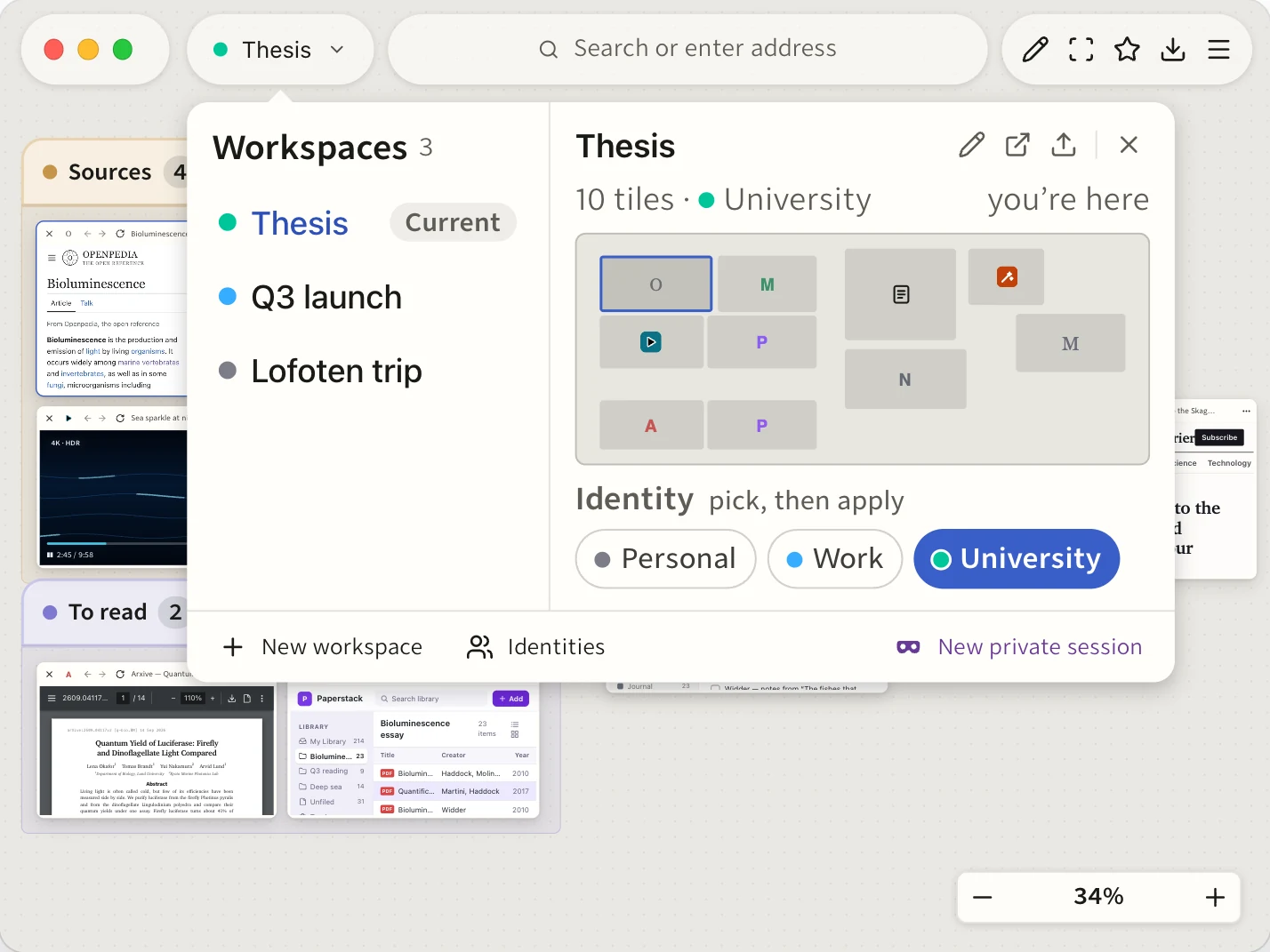
- SwitchNo need to close anything, no need to stress about your tiles. Switch between workspaces for different courses, projects, work, etc.
- IdentitiesSeparate cookies and sign-ins for e.g. work and private. Several workspaces can share a single identity, so you can have e.g. a workspace per university course.
- Move tiles between workspacesThe page moves along with its history. Undo moves it back.
- Share a workspaceVia file for now, CRDT for live collab soonishlyTM.
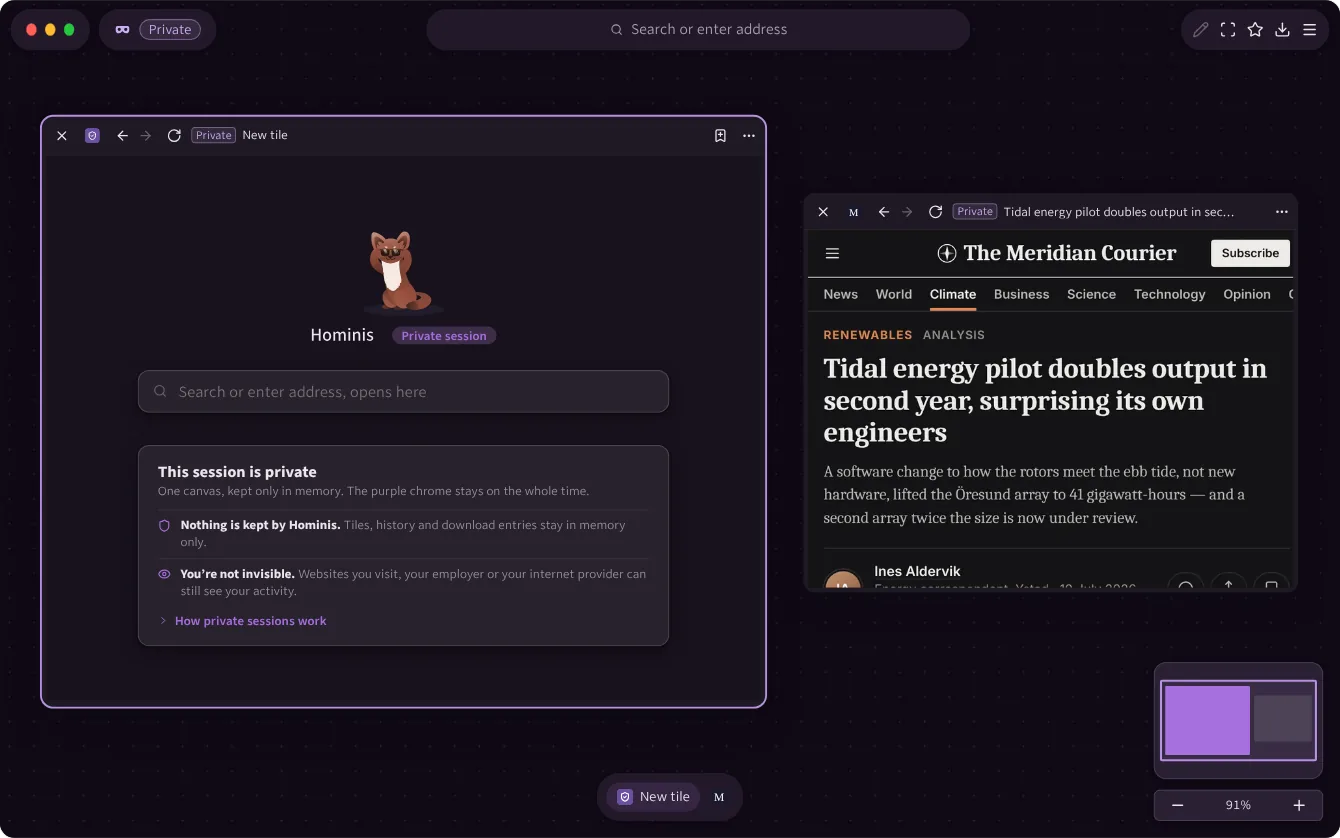
- Private windowsKept in memory only.
A single place for everything.
Addresses, searches, tiles, bookmarks, history, settings and every other command, in one panel.
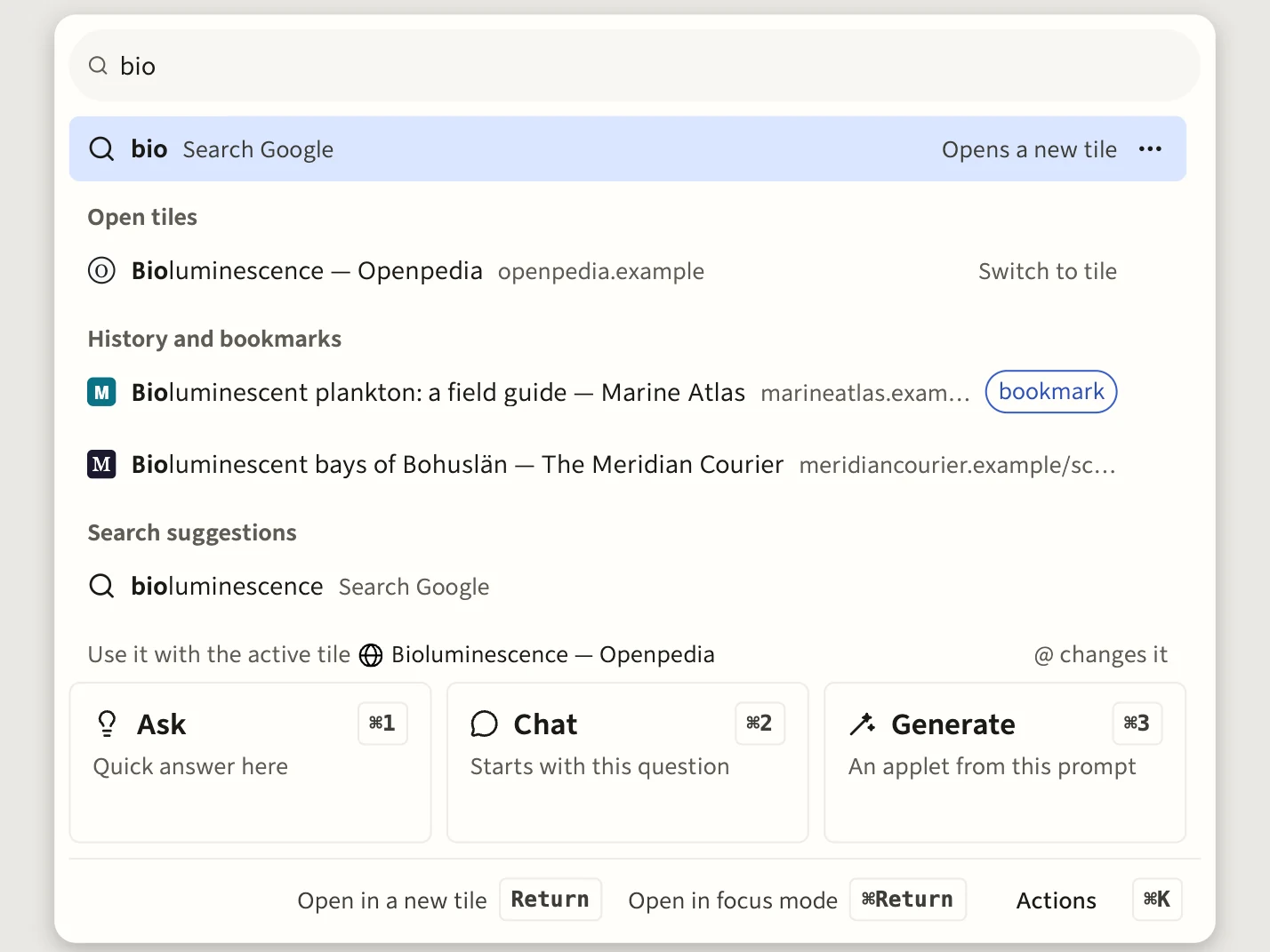
- Find and goOpen tiles, other workspaces, bookmarks, history and recently closed tiles.
- Commands in plain wordsType a verb to move, tag, group or arrange tiles. Settings switch in place.
- Calculator and unitsSums, percentages, number bases and unit conversion, with history.
- TagsType # and a tag to see its tiles and have them marked on the canvas.
- Bangs!w and a query searches Wikipedia directly. Add your own.
Work across many tiles.
Count, compare and ask across tiles. Some features listed here use Assistance, optional Model features.
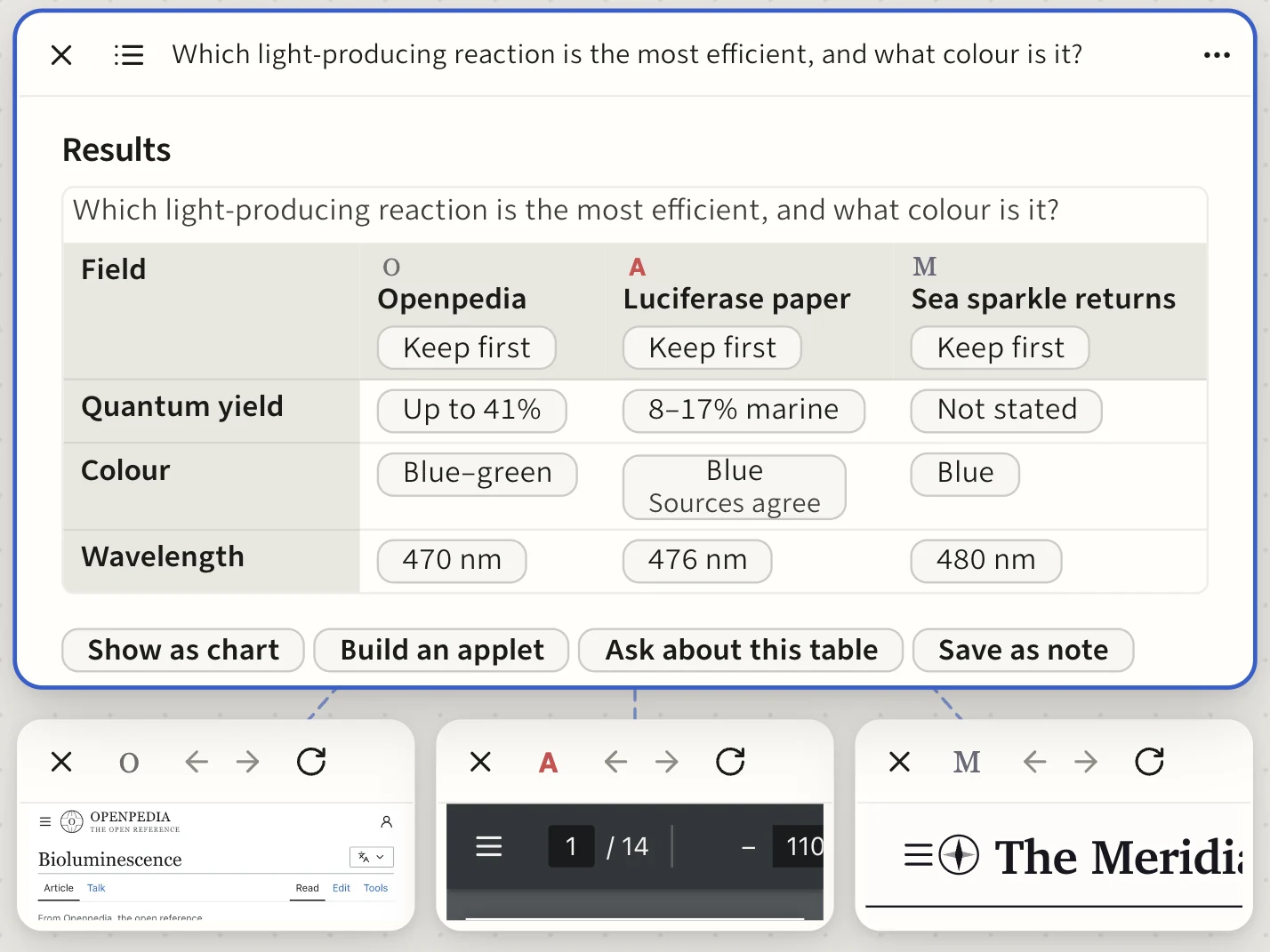
- Tally tableCount and compare data across up to 20 tiles.
- SynthesisAsk one question of two to eight tiles. Connections get surfaced, information presented with graphs and tables, all linked back to the original sources.
- Views as tilesKeep a table or a chart from a synthesis on the canvas as a tile. It refills when you run the question again.
- ChatAsk about a page, a file or simply chat.
- AppletsDescribe a small tool, such as a timer and it appears as a tile.
- In your own wordsTell a note or a view what to change, such as “make this shorter”, with Undo.
Customise Hominis.
Simple, yet powerful settings to make Hominis your own.
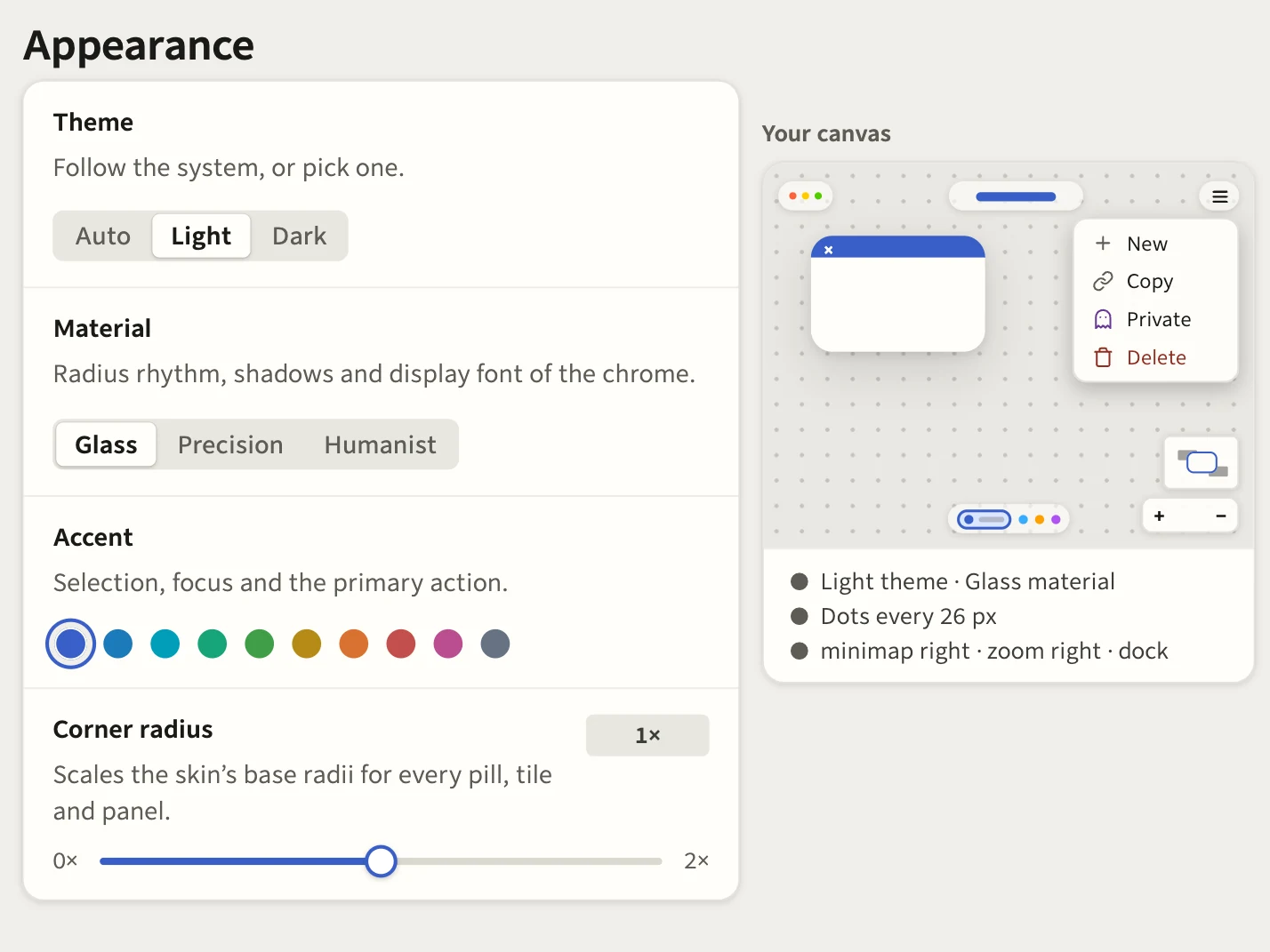
- Website in light or darkWhatever you want, on every page. Soft grey or full vantablack, light beige or bright white, you decide.
- ThemesChoose between light and dark, three materials, an accent colour and corner radius. Set the canvas background and behaviour.
- ShortcutsCustomise shortcuts to your heart’s content.
- ExtensionWanna see an extension always, only on hover or hidden behind the hamburger menu? You get to decide.
Control and Trust.
Set what websites can do and see what they do.
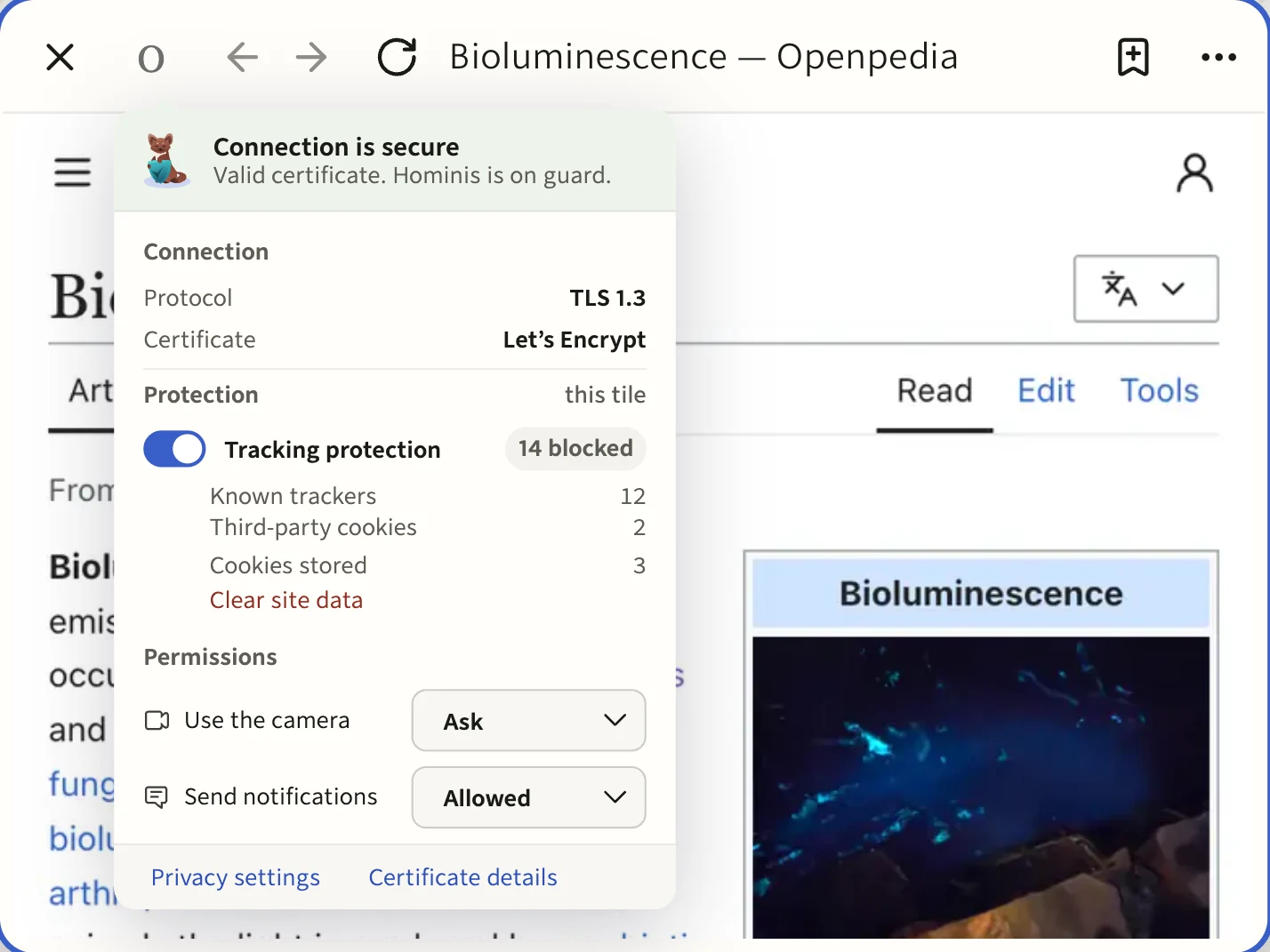
- Trust panelSee whether the connection is secure, what has been blocked, which permissions are set.
- Camera, microphone, screenSee what a website is doing right now and set boundaries.
- Dangerous pagesKnown phishing and malware pages are blocked before they open.
- Your dataWorkspaces, notes, sketches, bookmarks and history can be exported in one click.
- UpdatesDownloaded in the background, installed when you restart.
- CoreBased on Firefox ESR, a secure and battle tested core using Gecko and Places.
Still a complete browser.
From day-one, Hominis supports what you are rightfully expecting from a modern browser, along with some added niceties.
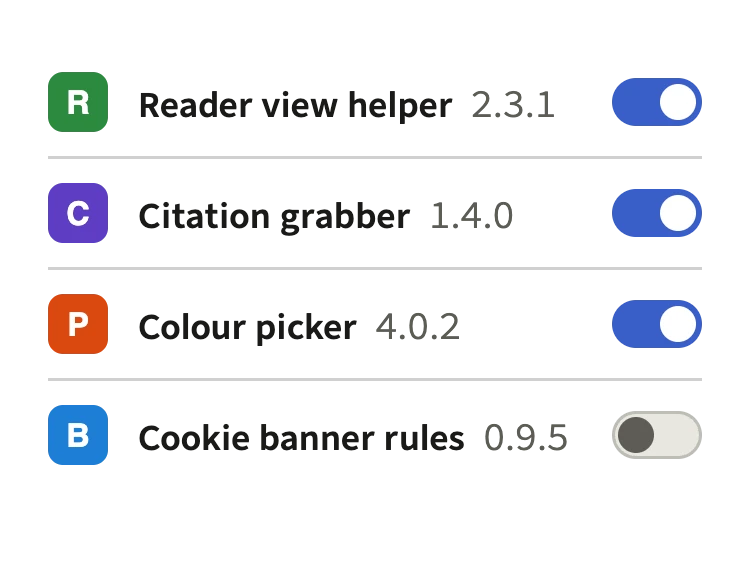
- ExtensionsInstall your favourite extensions as you’ve come to expect.
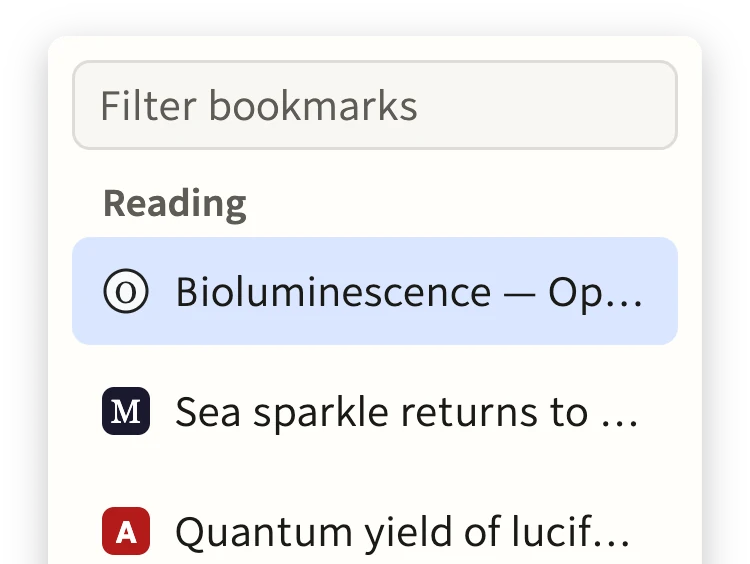
- BookmarksA shelf, a library with folders and tags or pins on the canvas, you choose.
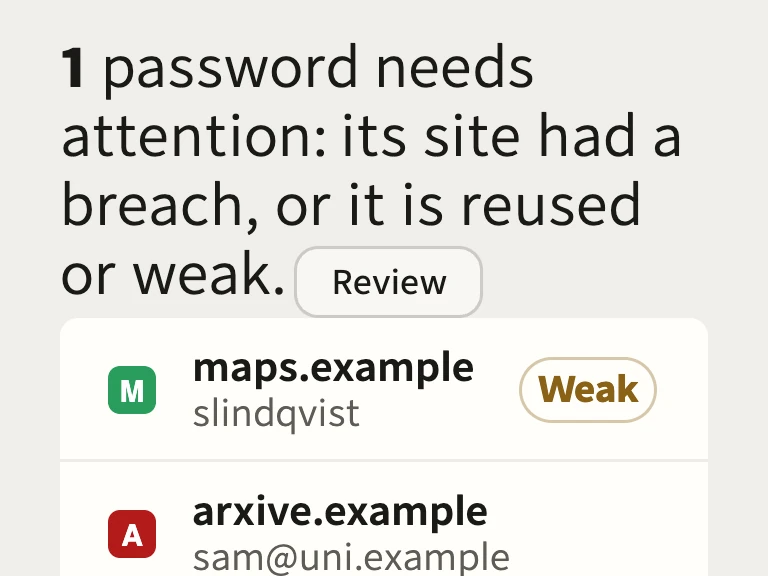
- Passwords, cards and addressesThe Vault saves and auto-fills them.
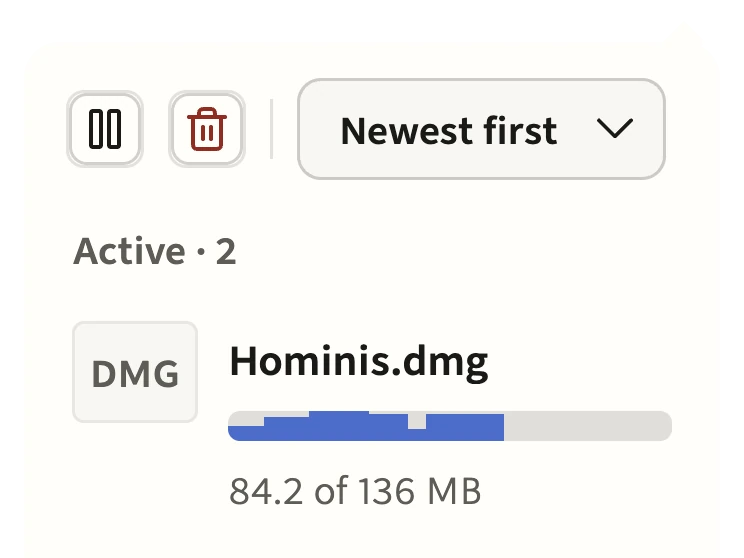
- DownloadsSpeed as well as progress, pause and resume.
- Screenshots and translationCapture a page or a section of the canvas. A page in another language offers Translation.
- Notifications and Wi-Fi sign-inSites you allow can notify you. A hotel or airport sign-in page opens in a tile.
- PWAInstall a site as an app with its own launcher entry on the canvas.
- Find in pageFind floats over the tile and lists every match, with marks along the page’s edge.
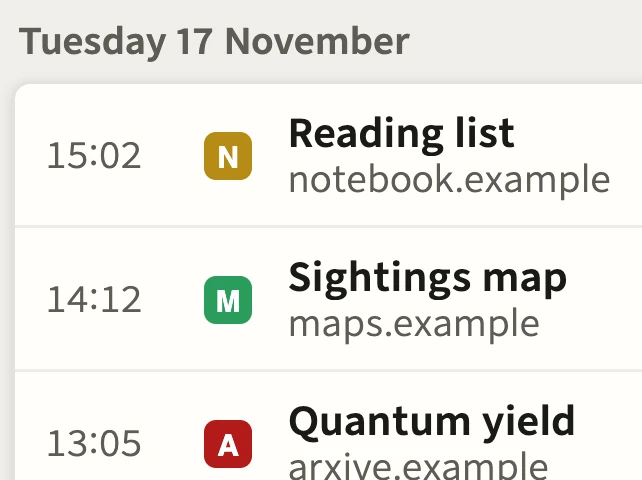
- History you can readA calendar, a timeline, and the journeys that led you there.
- Media ControlsSolid per tile media controls that let you not just mute, but also control audio sources, quickly jump to them on the canvas and provide info.
- PiPPicture-in-Picture for added multitasking.